Publishing
One draft. Nine channels.
Instagram, TikTok, X, Facebook, LinkedIn, YouTube, Threads, Pinterest and Bluesky, from one composer.
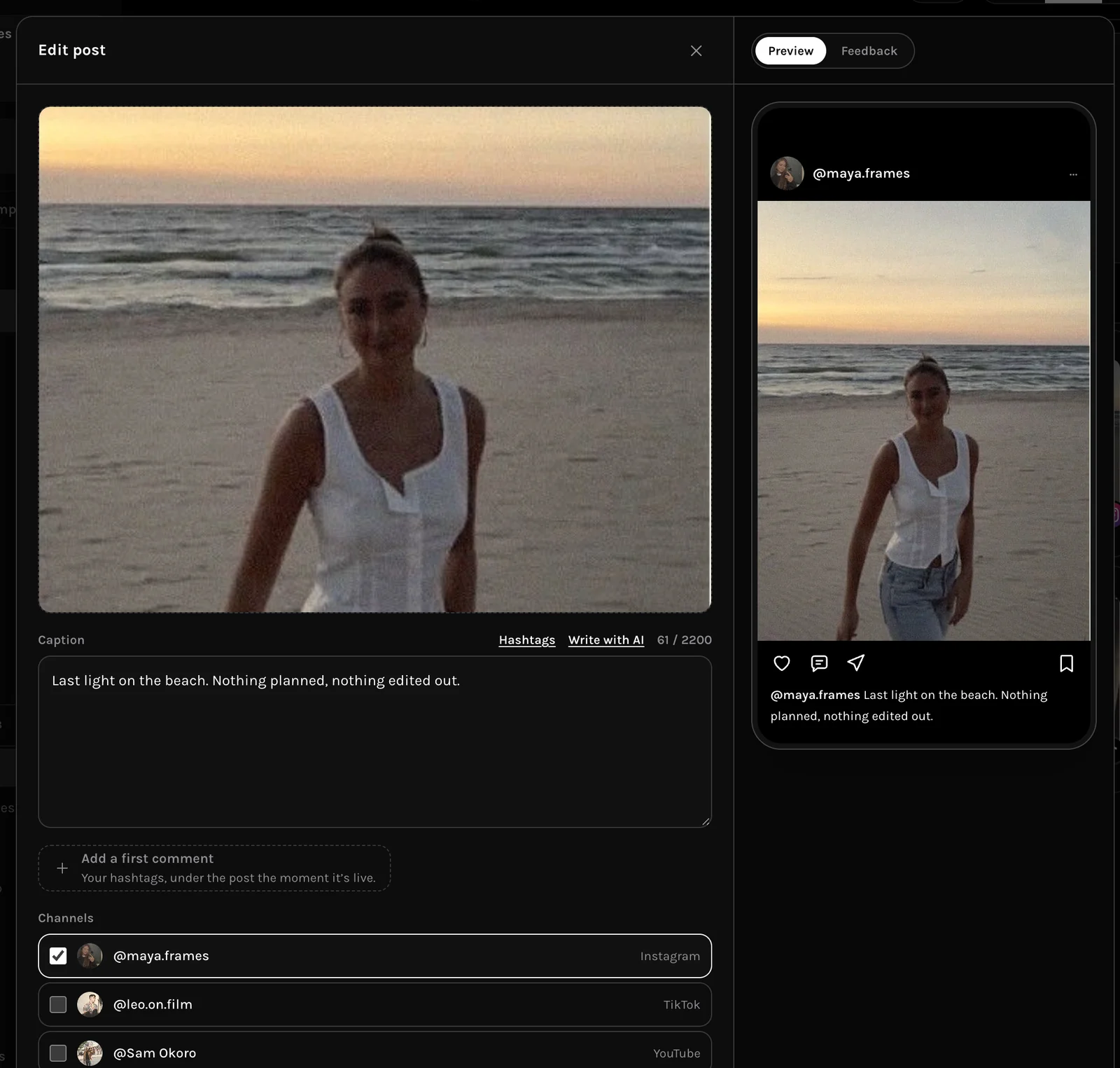
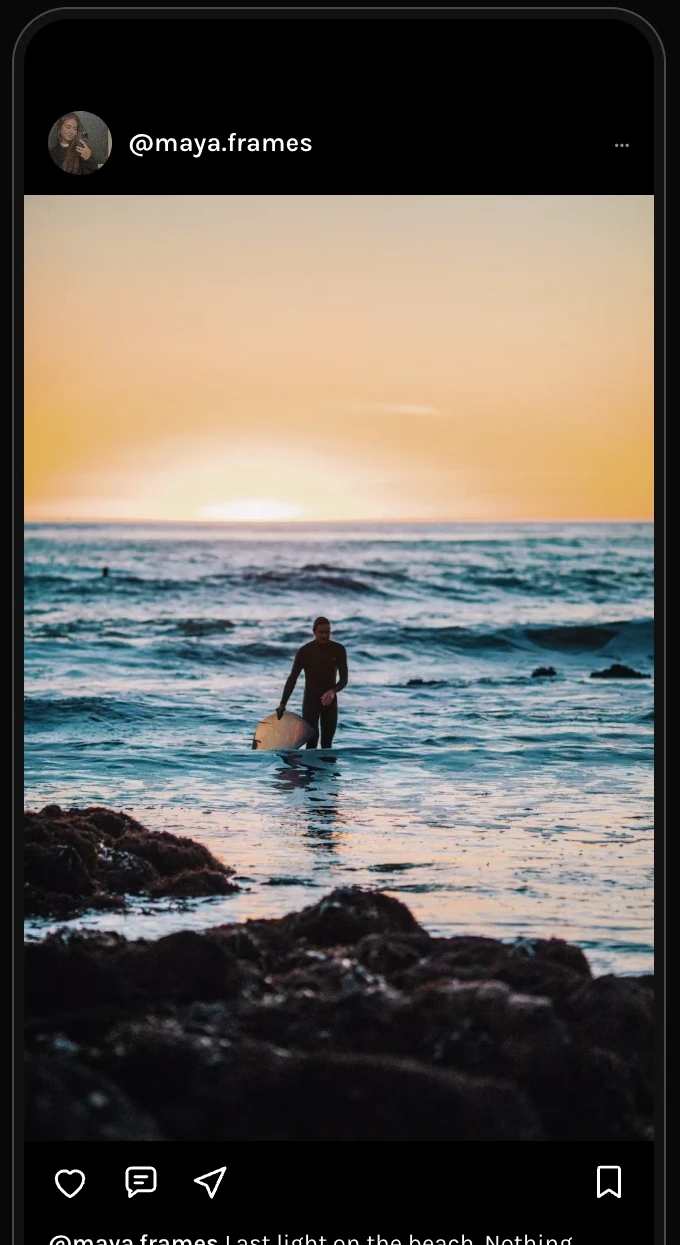
Preview
See it the way each channel will.
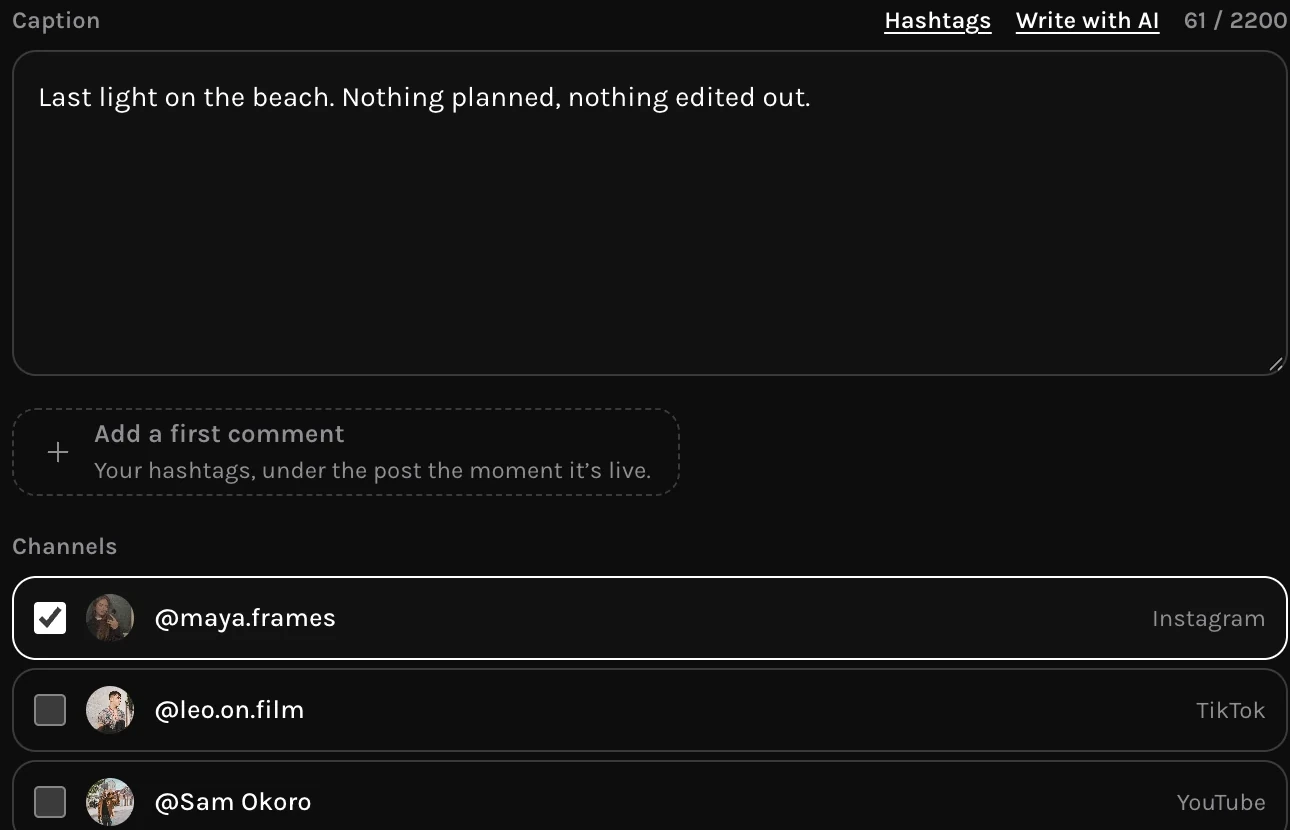
Write the caption once, tick the channels, and the preview beside it is drawn the way the post will show.
- Hashtags and Write with AI on the caption
- A first comment, posted the moment it is live
- Tick the channels it goes to
Create
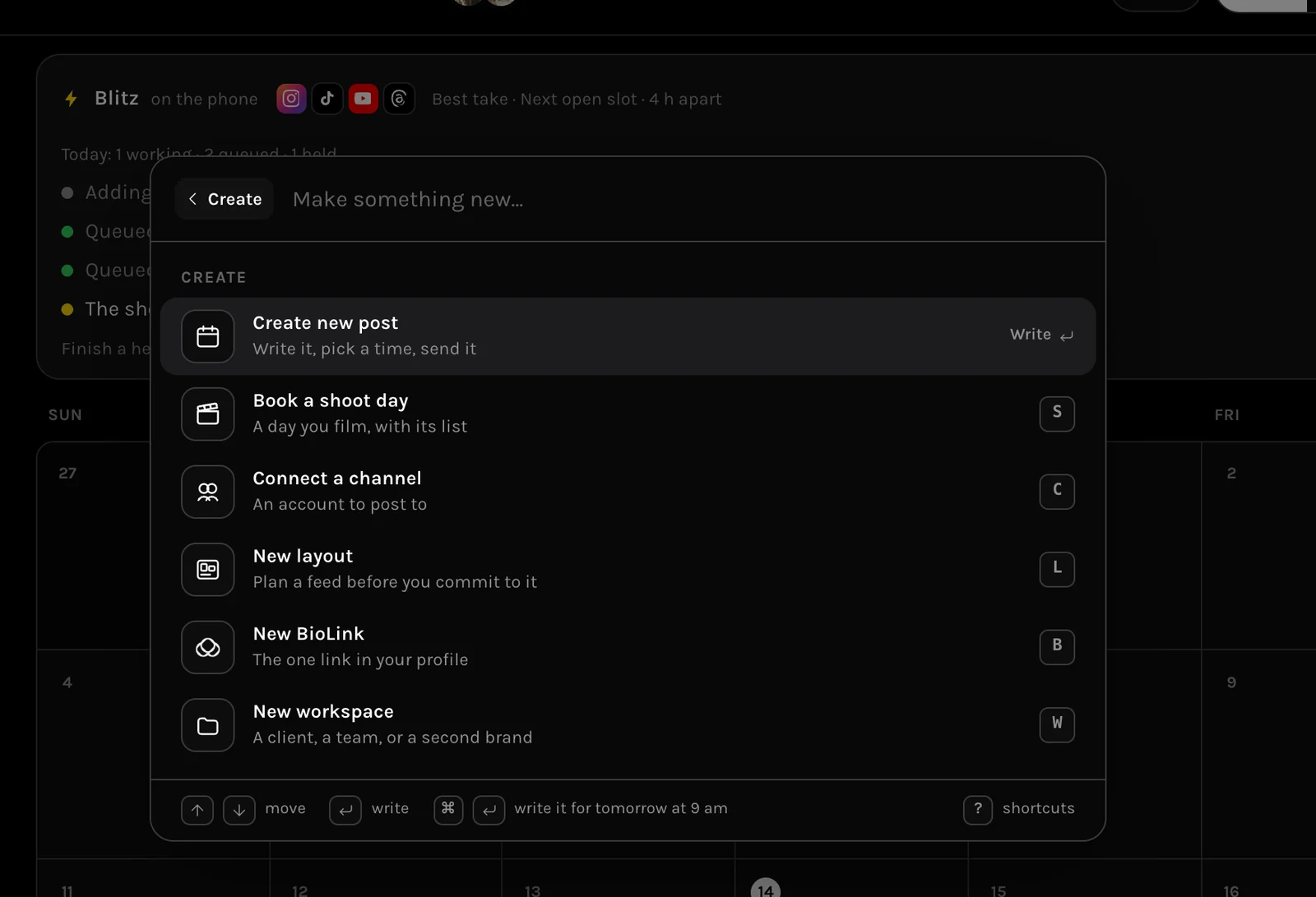
Everything starts from one menu.
A post, a shoot day, a channel, a layout, a BioLink or a workspace, all from Create.
- A post or a shoot day
- A channel or a layout
- A BioLink or a workspace
Blitz
Or skip the composer entirely.
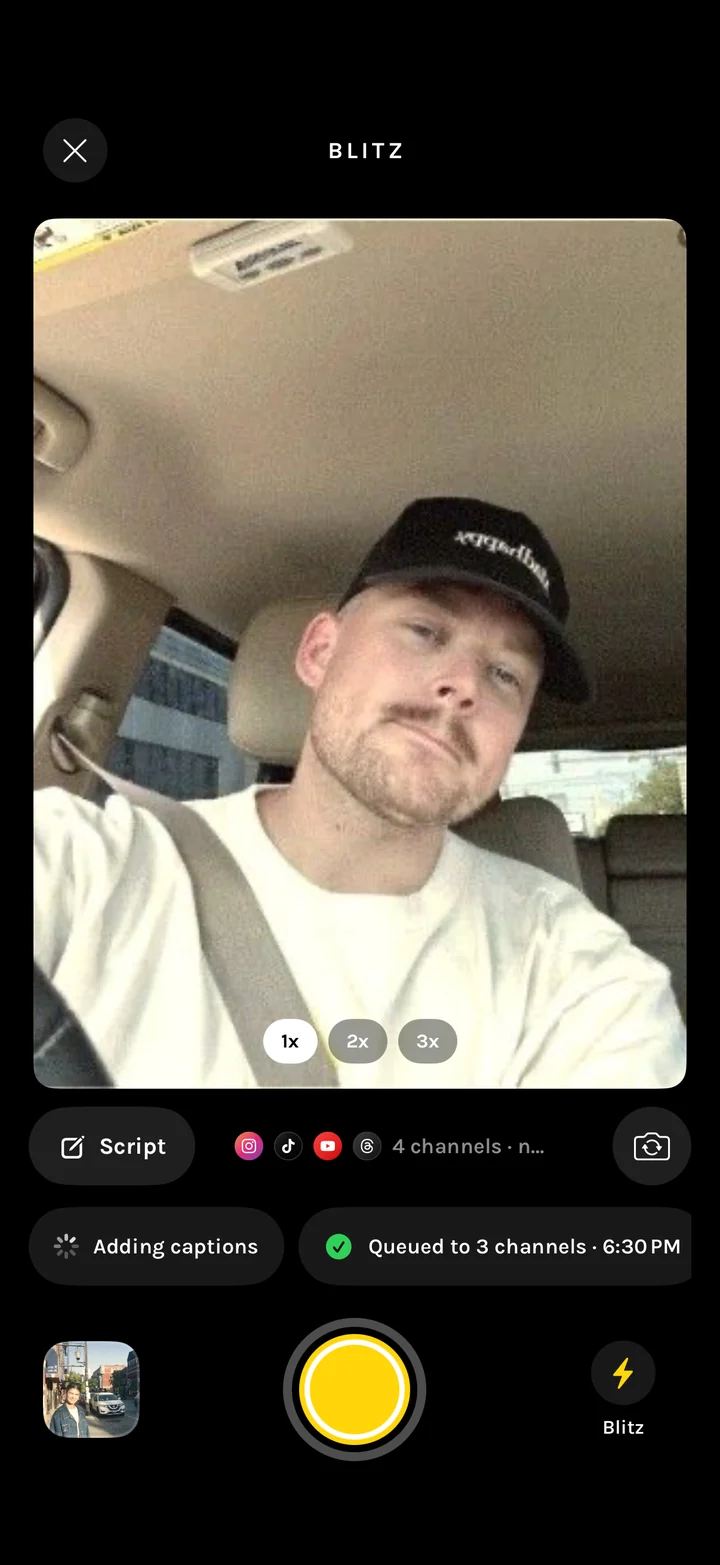
Film a take on the phone and Blitz cuts it, captions it, gives it your Look and posts it to each channel at its next open slot.
- Best take, Clean up or as shot
- Each channel at its next best time
- A take that misses the bar is held, never posted
Blitz on the desk
Every take shows where it is.
Adding captions, queued to four channels, or held because the shot is dark, with Post it anyway one tap away.

Nine channels
Every place your audience is.
One composer covers all of them.
Instagram, TikTok, YouTube
Reels, video and Shorts from the same edit.
X, Threads, Bluesky
Short posts and clips, scheduled together.
LinkedIn, Facebook
The professional and the broad audience, same draft.
Pins from the frames you already made.
The difference
Fewer tabs, fewer misses.
What posting used to take, and what it takes now.
The usual way
- Download, re-upload and re-caption per app
- Seven logins and seven queues
- No single view of the week
With MORR
- Upload once, tick the channels
- One composer, one calendar
- The whole week on one screen
Questions
Frequently asked.
Still unsure? Ask inside the app answers with your own account in front of it.
Which channels can I post to?
Instagram, TikTok, X, Facebook, LinkedIn, YouTube, Threads, Pinterest and Bluesky, all from one composer.
What is Blitz?
A mode in MORR Cam. Stop recording and the take is cut, captioned, given your Look and posted to the channels you chose.
Can I edit a post after it is scheduled?
Yes. Open it from the calendar, change it, and schedule it again.