TikTok
Plan, post and grow on TikTok.
Vertical video edited on the phone, captioned, and scheduled with the rest of the week.
TikTok
Everything TikTok needs, in one place.
Plan it, make it and send it to TikTok from the same account as every other channel.
Plan
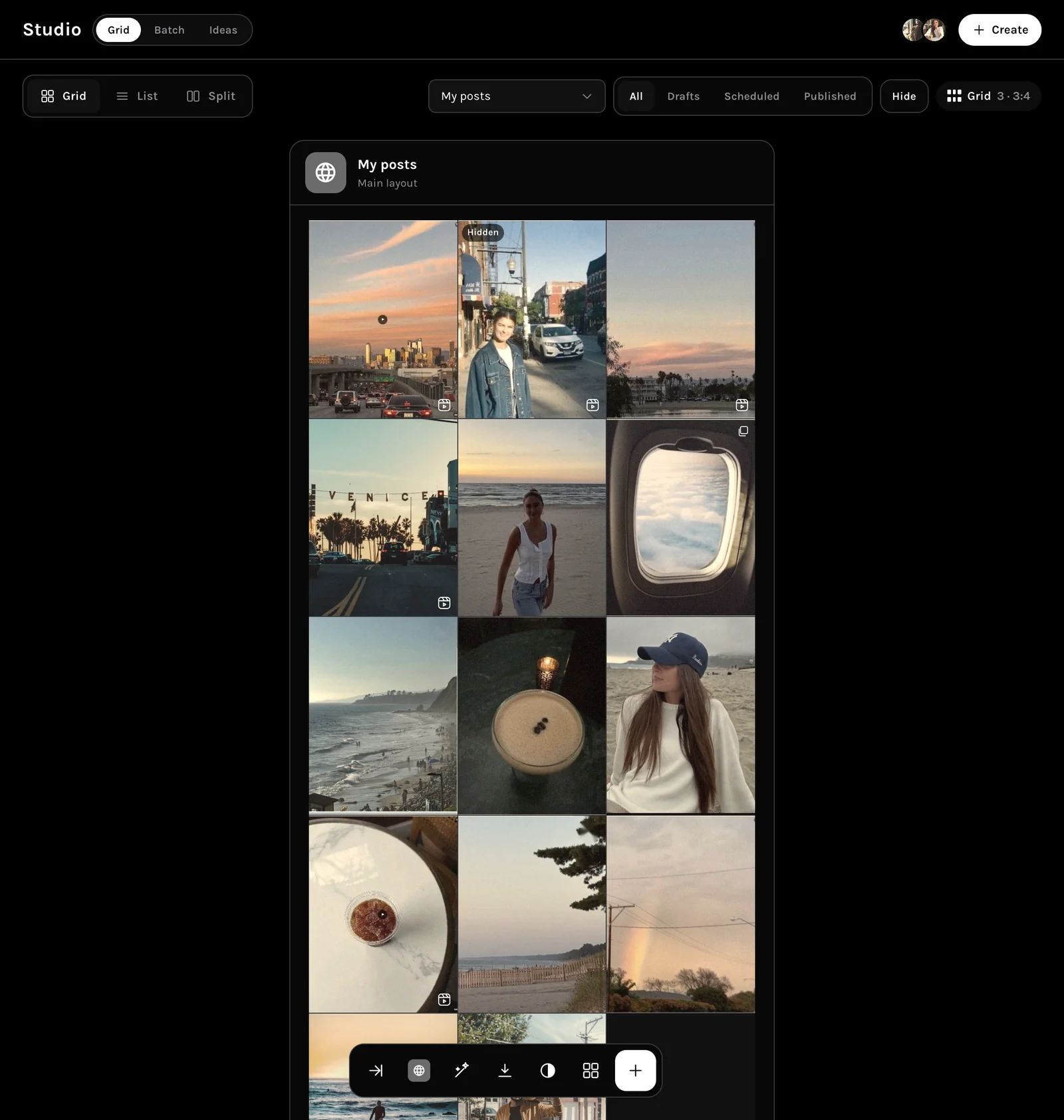
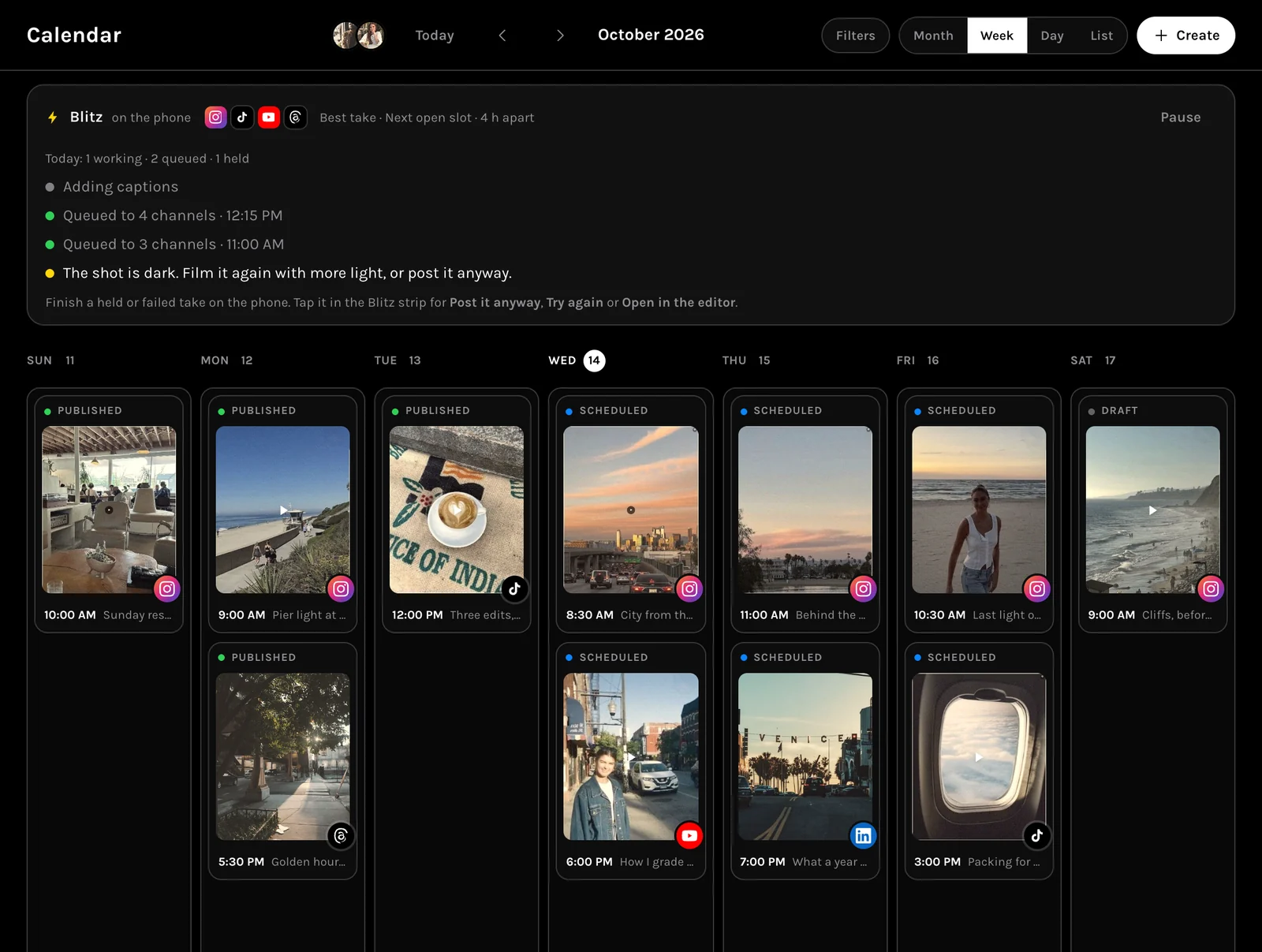
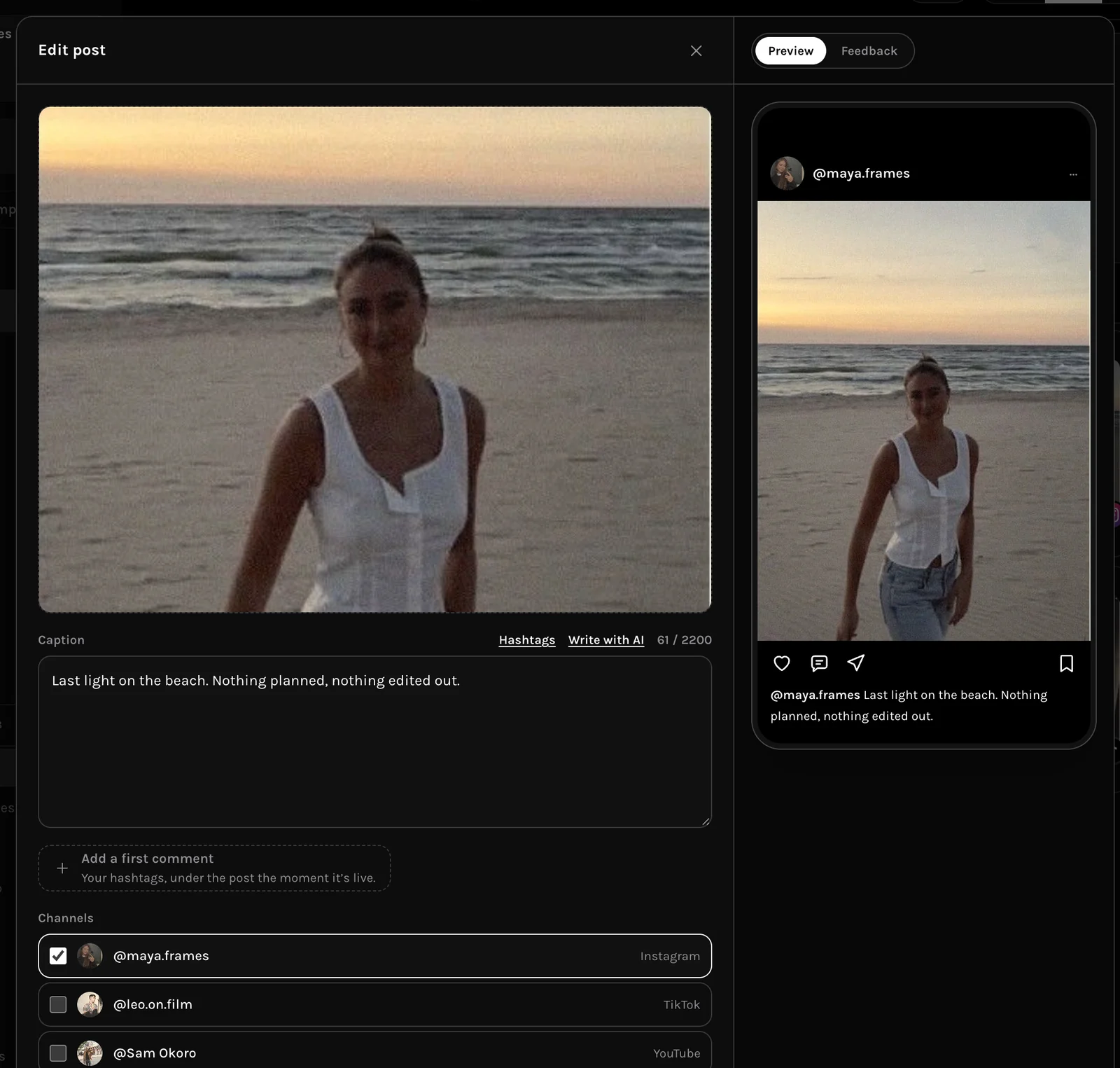
See your TikTok posts before they go out.
Every TikTok post sits on the grid and the calendar with its state, next to every other channel.
- Edit and caption on the phone
- Clean Up for talking heads
- On the calendar with every other channel
Measure
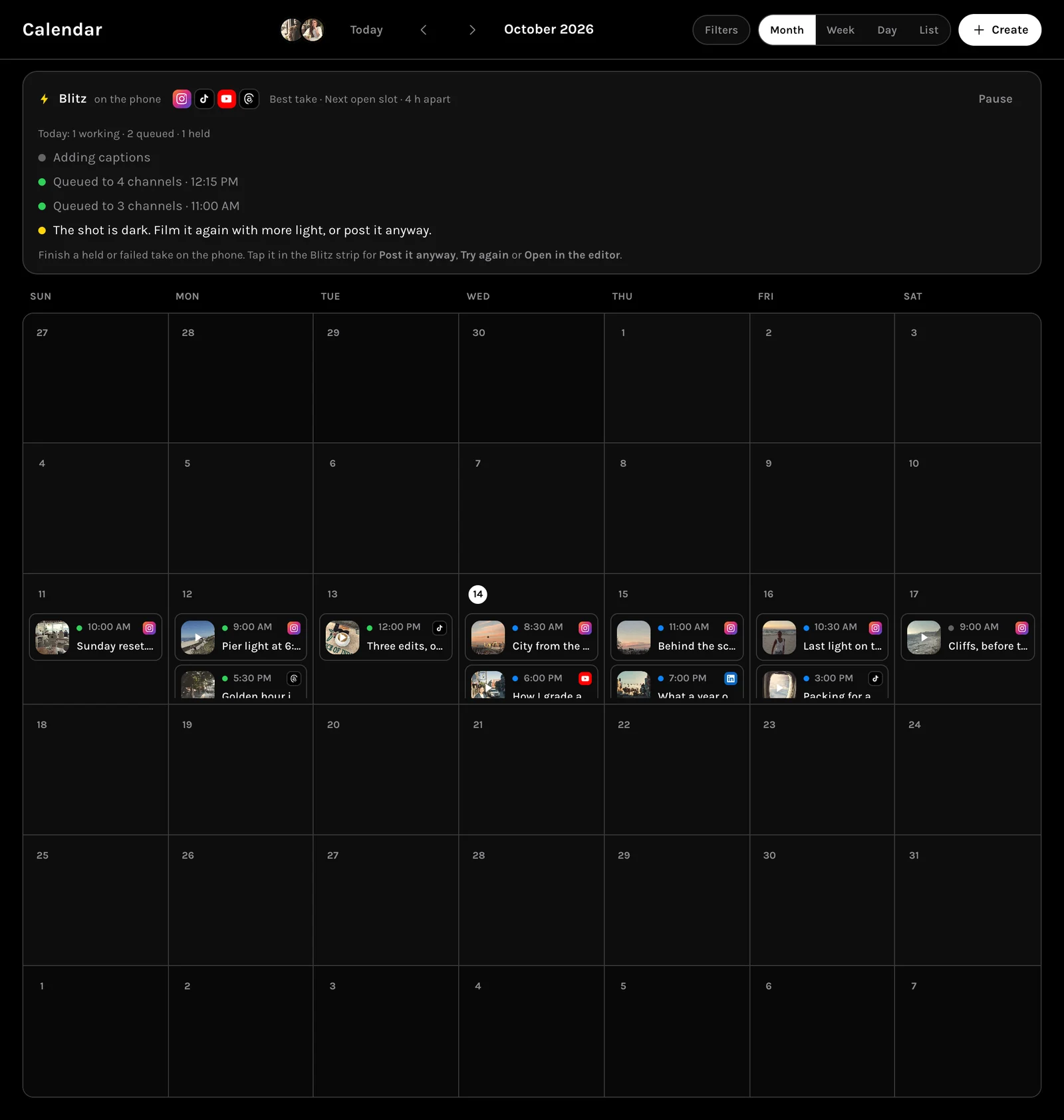
TikTok next to every other channel.
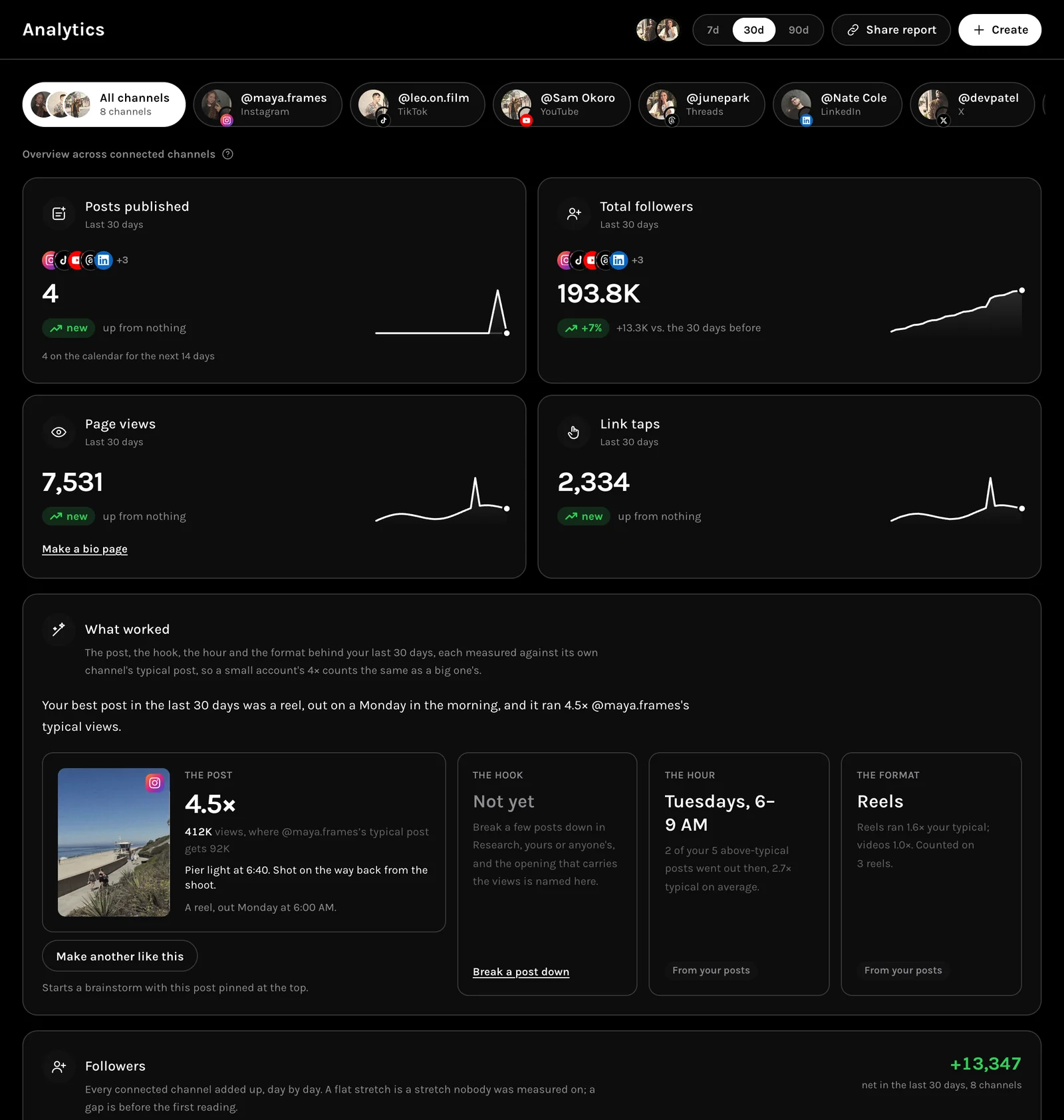
Analytics reads TikTok with the rest, and names what worked against each channel’s own typical post.
- Followers, posts and views
- What worked, per channel
- Share a report
Create
Made on the phone, ready for every channel.
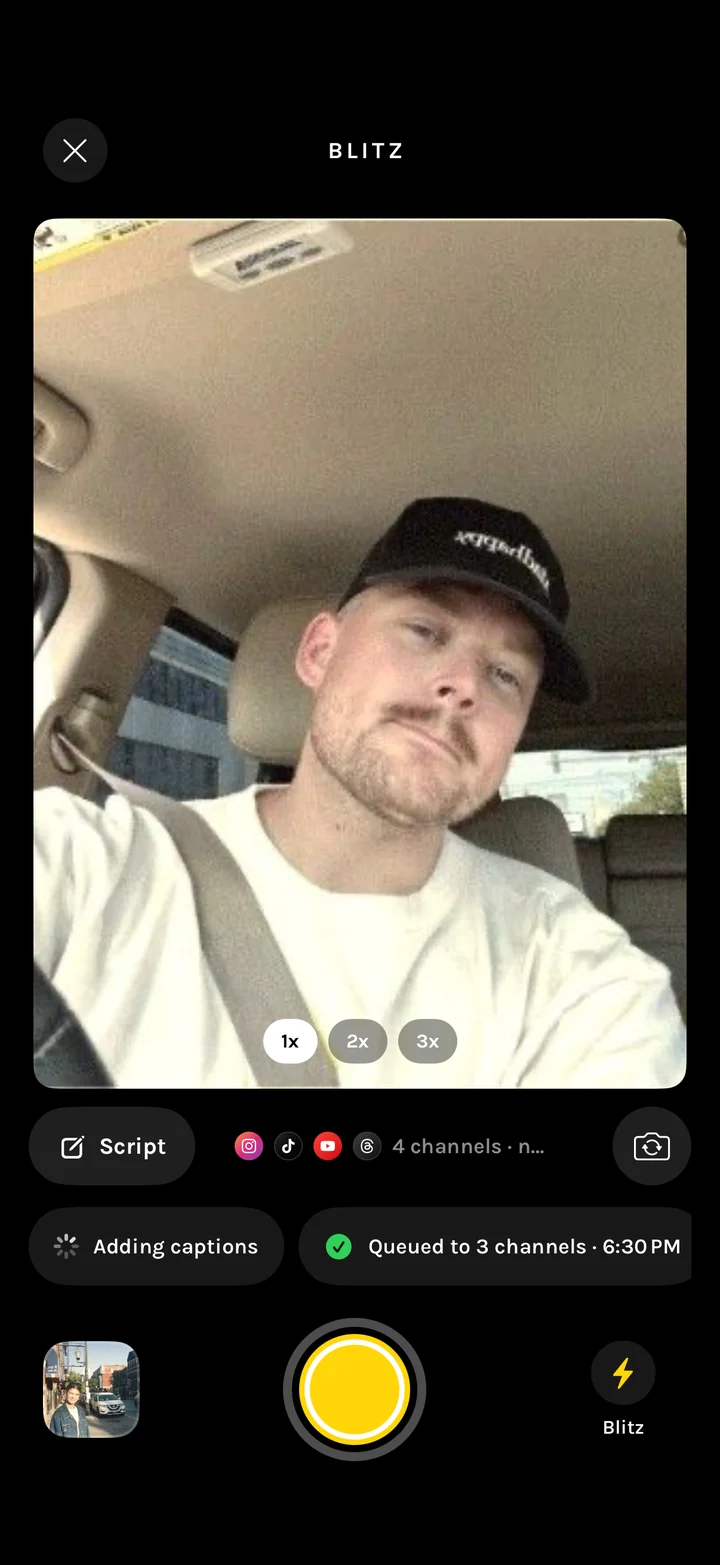
Film with the script over the lens, and Blitz cuts the take and posts it to TikTok at its next open slot.
- Teleprompter over the lens
- Blitz posts the take
- Clean Up for talking heads
Built for TikTok
What MORR does for TikTok.
The same tools as every channel, pointed at TikTok.
Plan
Your TikTok posts on the grid and the calendar.
Publish
TikTok gets its own time slot from the shared draft.
Create
Shoot with the script over the lens, cut the ums.
Measure
TikTok results next to every other channel in Analytics.
Questions
Frequently asked.
Still unsure? Ask inside the app answers with your own account in front of it.
Can I schedule TikTok posts with MORR?
Yes. TikTok is one of nine channels in the composer.
Can I post to TikTok and other channels at once?
Yes. One draft goes to every channel you choose.
Is it free?
Free to start, with every tool. Paid plans raise the monthly limits.