Planner
See the feed before you shoot it.
Studio holds the grid, the calendar holds the week, and both are the same posts.
Three views
One set of posts, three ways to see it.
Move something in one view and the others follow, because they are the same posts.
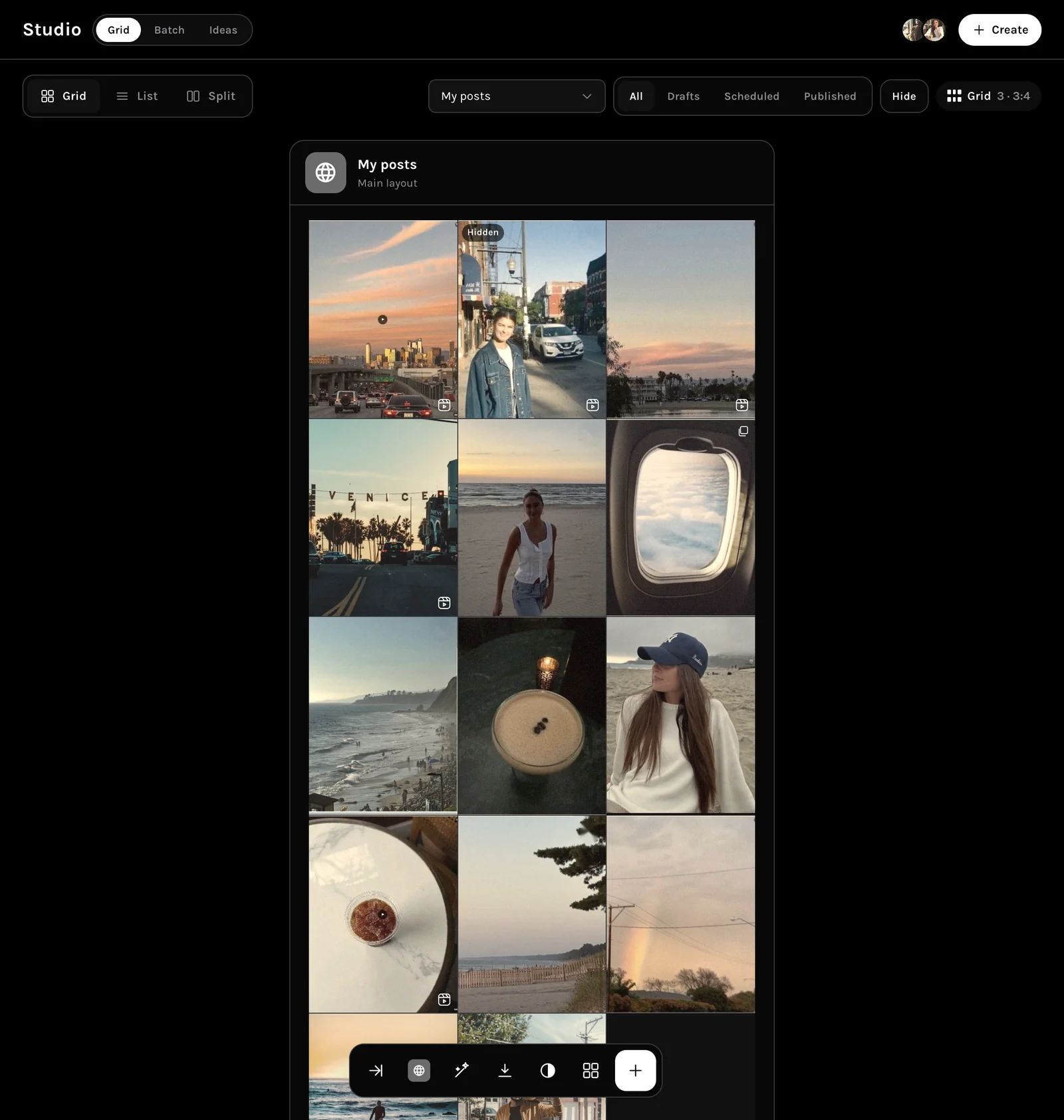
Studio
Arrange it until it reads like one feed.
The grid shows every post together, so you fix the rhythm before anything goes out.
- Drafts, scheduled and published, filtered in one tap
- Hide a post without deleting it
- Batch and Ideas beside the grid
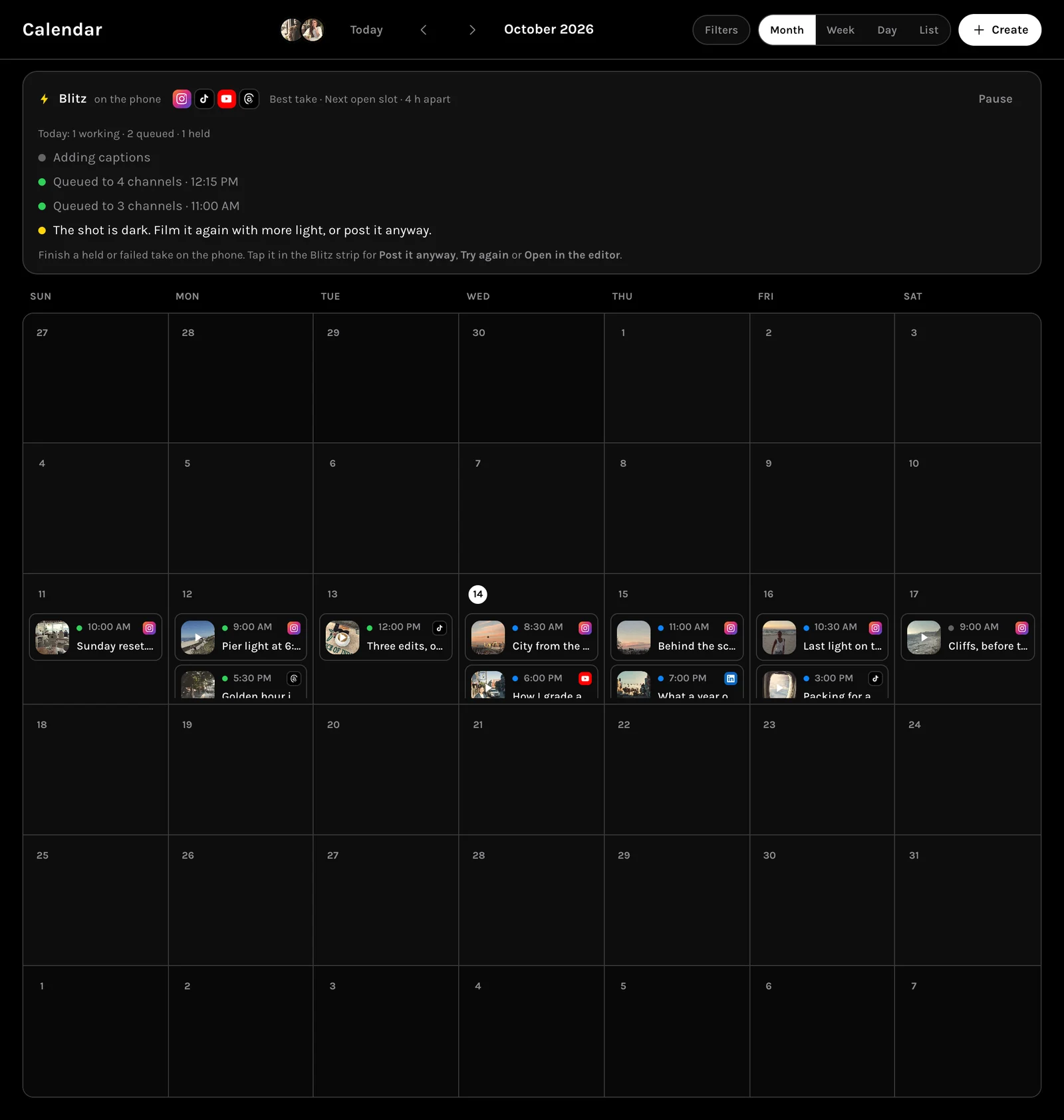
Calendar
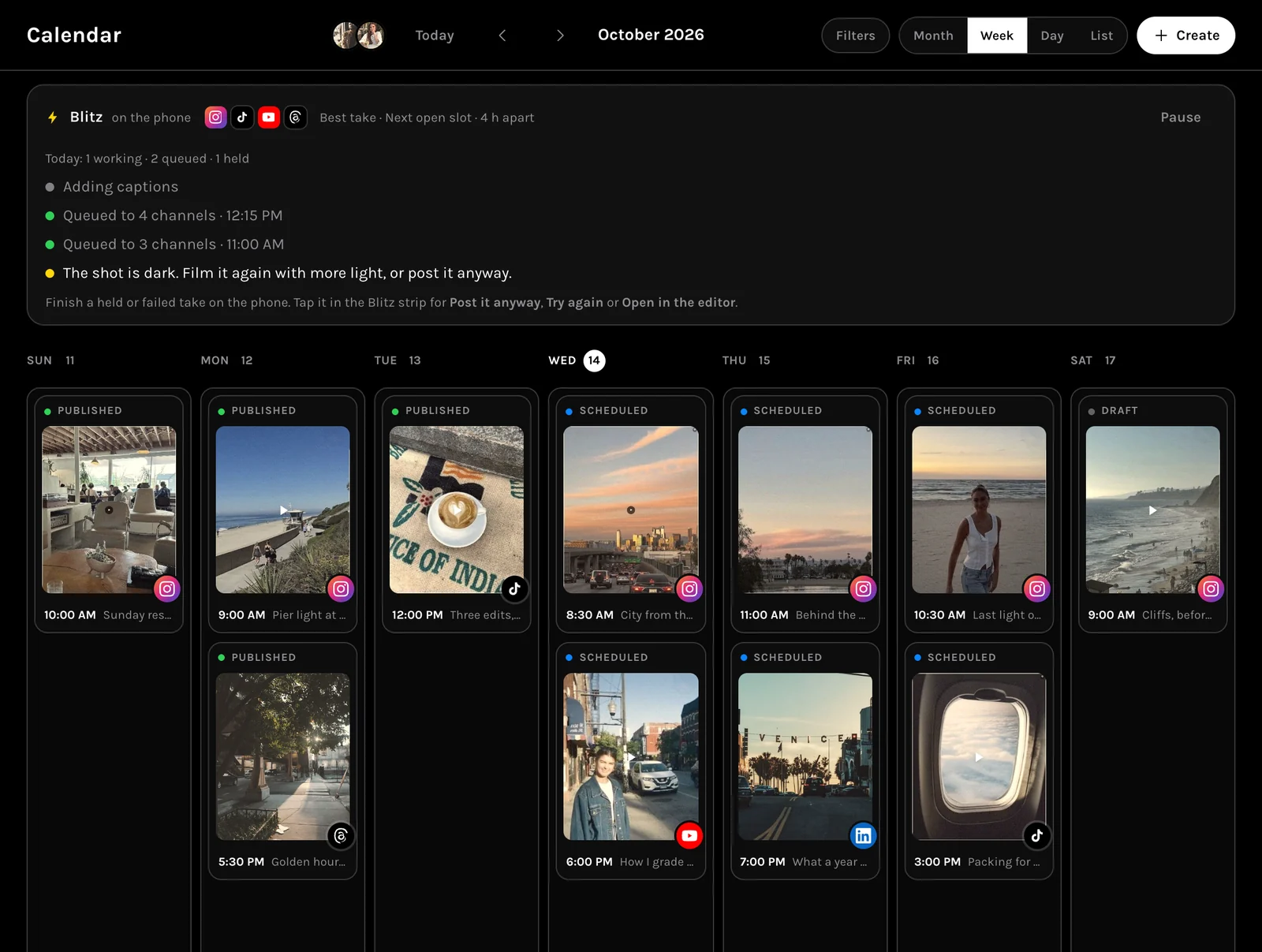
Month, week, day or list.
Drag a post to another day and it moves what is scheduled, not just the card.
- Four views of the same posts
- Filters by channel and state
- Shoot days sit on the days you film
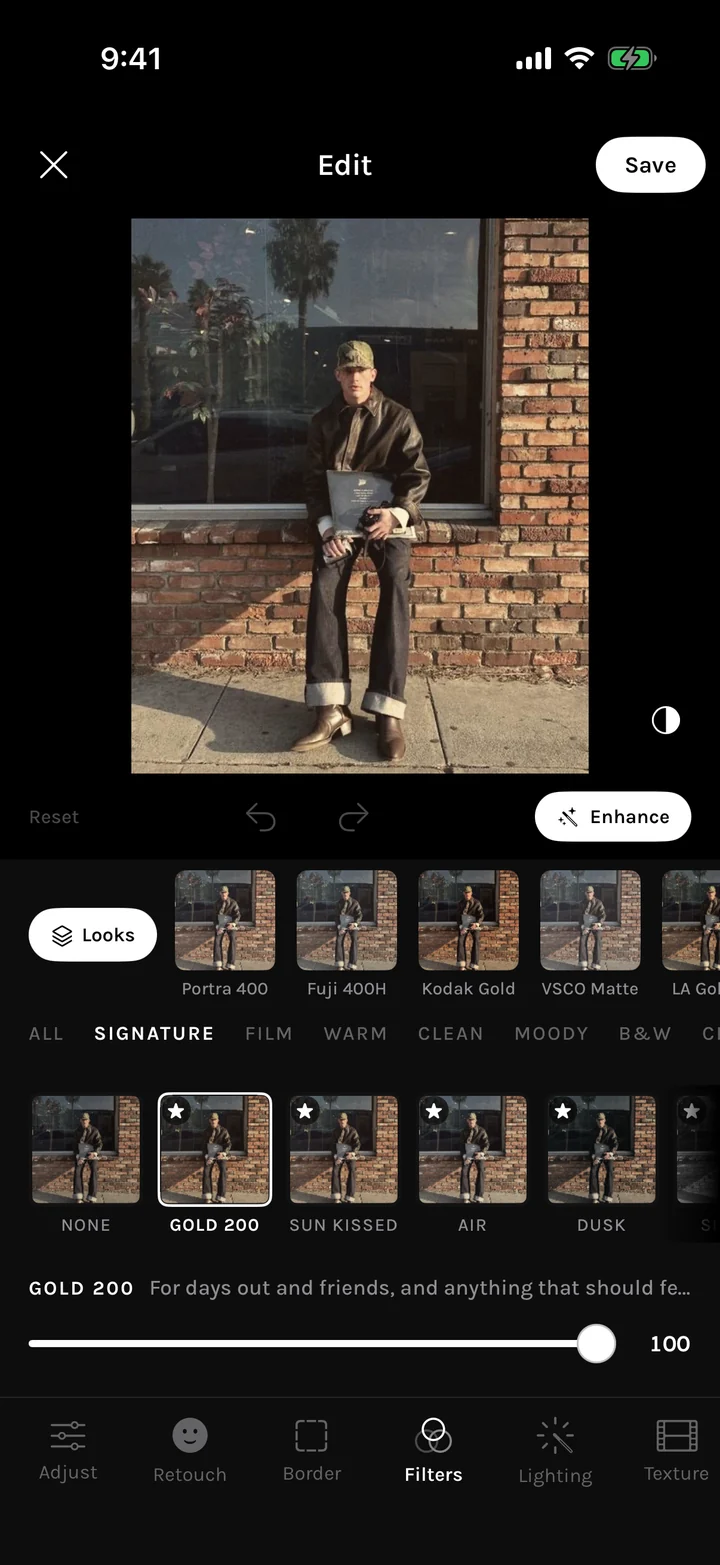
On the phone
The same grid, with a colour map.
MORR for iPhone has the Studio grid too, with Color Map to check the palette before a post breaks it.
- Color Map and Hide on the grid
- Drafts, Scheduled, Published
- The same account as the web
Everything in it
The planner, all of it.
The parts that make a plan you can run.
Grid, batch, ideas
Plan the feed visually, in bulk, or from saved ideas.
Month, week, day, list
The same posts, at whichever zoom you need.
Shoot days
Book a day you film, with its list, on the calendar.
Ask
Reschedule or rewrite from a sentence, with an Undo.
The difference
A plan that is also the schedule.
What changes when the grid and the calendar are the same posts.
The usual way
- A spreadsheet for the plan, a scheduler for the posts
- The feed only looks right after it goes out
- Moving one post means fixing three tools
With MORR
- The grid is the schedule
- You see the finished feed before posting
- Move it once and every view follows
Questions
Frequently asked.
Still unsure? Ask inside the app answers with your own account in front of it.
Can I plan without scheduling?
Yes. Leave a post as a draft and it sits on the grid in order without being scheduled.
Does dragging on the calendar change the time?
Dragging a post to another day moves what is scheduled, keeping its time.
Is the planner on the phone too?
Yes. The same grid and calendar are in MORR for iPhone, on the same account.