X
Plan, post and grow on X.
Clips and short posts scheduled with everything else, so X never falls off the plan.
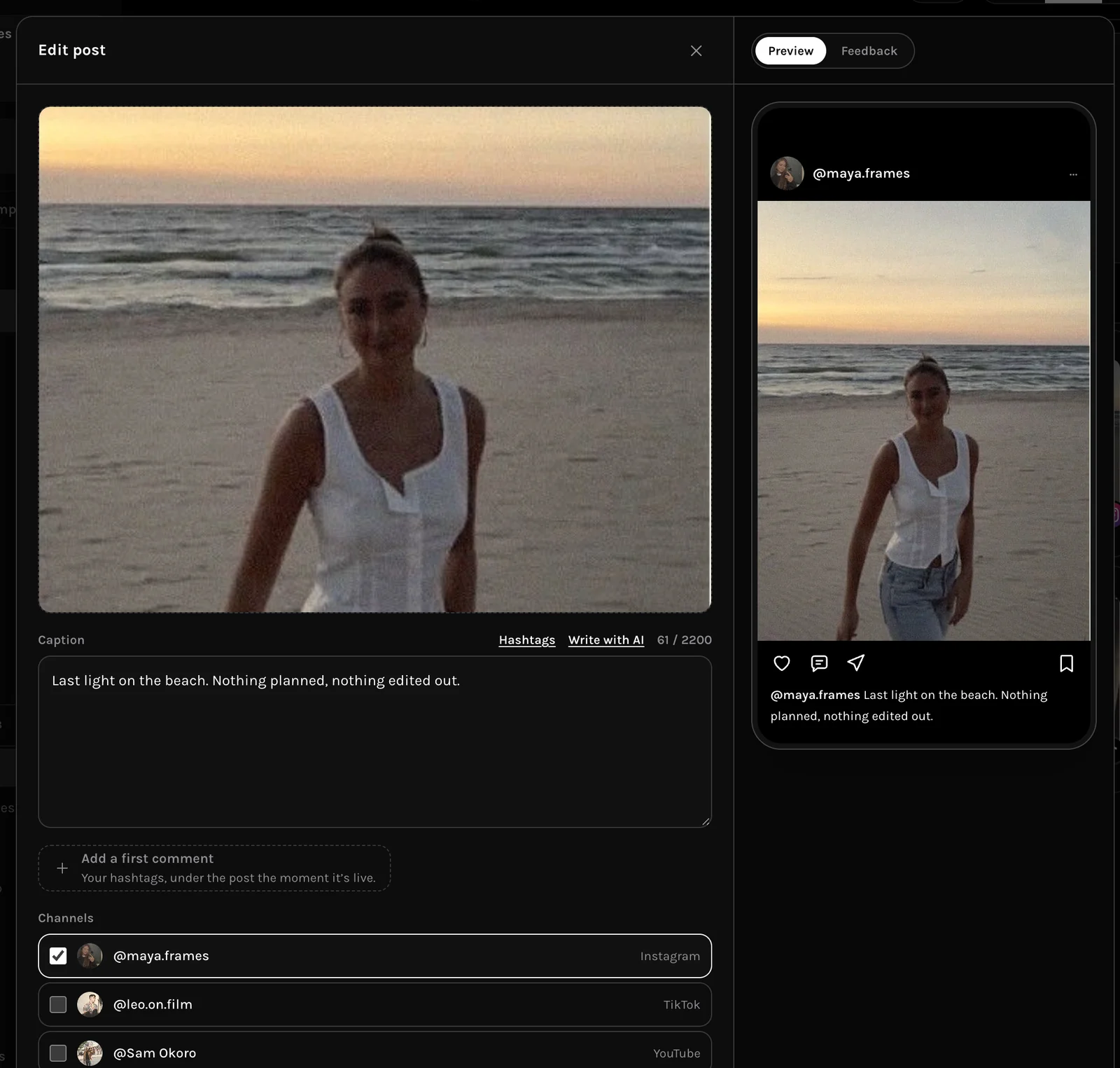
Studio
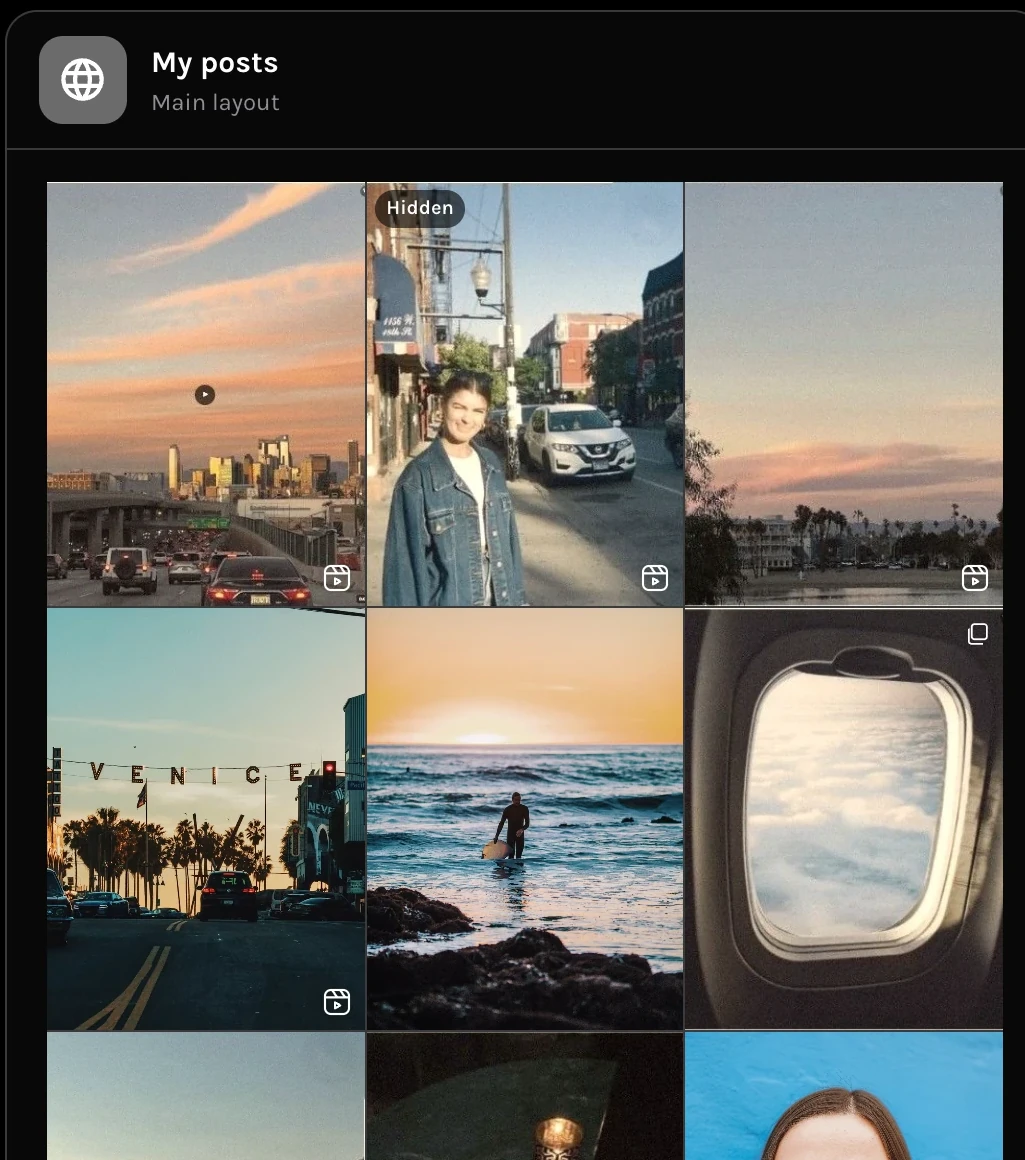
See your X posts in order.
Every X post sits on the grid before any of it goes out, next to every other channel.
- Clips from your edits
- Short posts on the calendar
- One composer
Plan
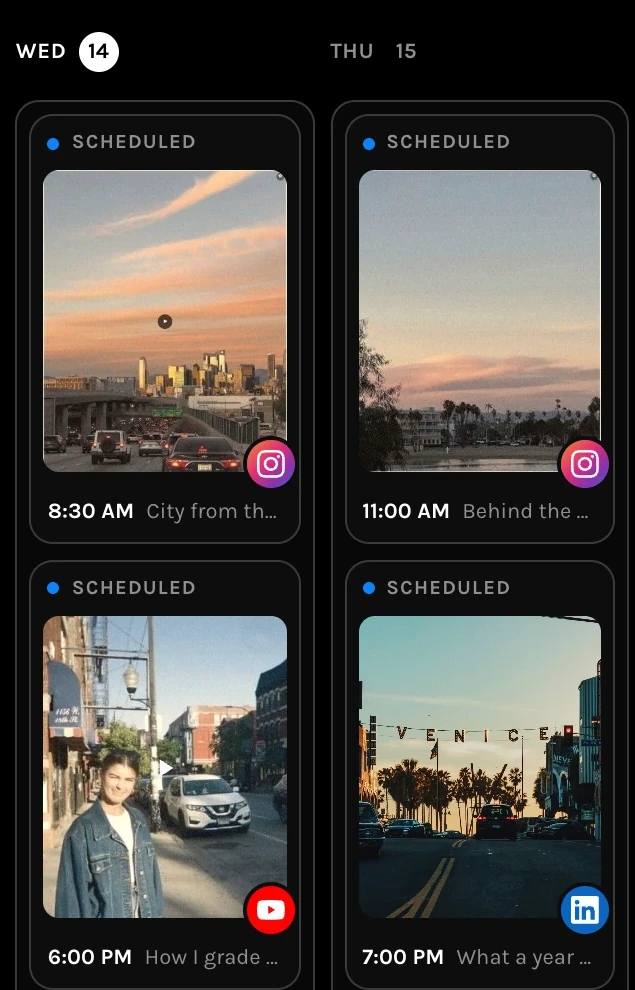
X on the calendar.
X sits on the month next to every other channel, with each post’s state on the card.
- Published, scheduled and draft
- Filters by channel and state
- Drag to move what is scheduled
Measure
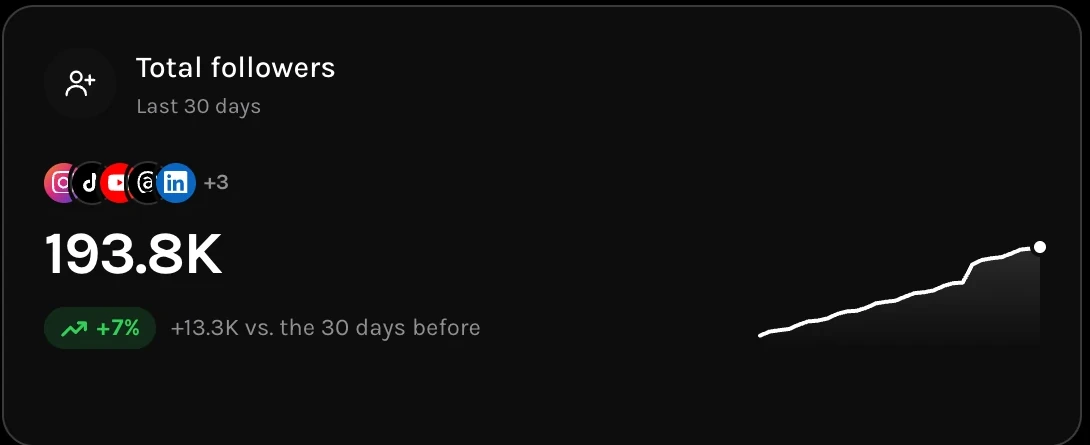
X next to every other channel.
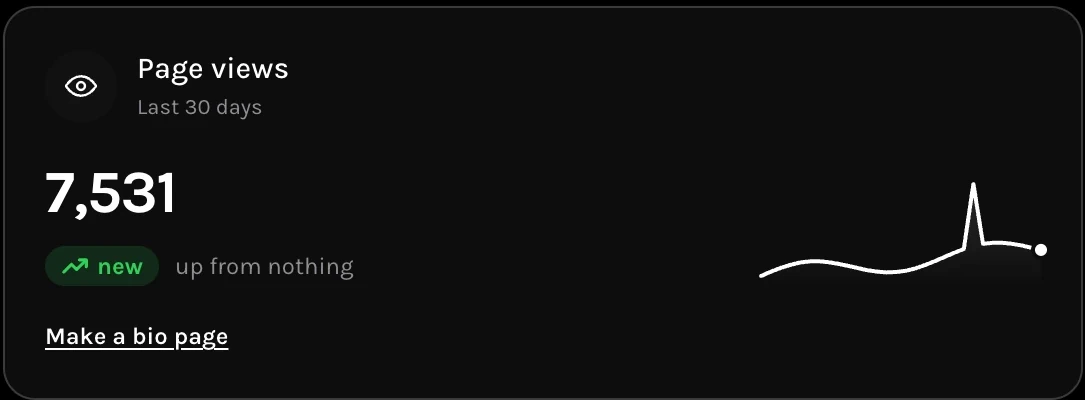
Analytics reads X with the rest, and names what worked against each channel’s own typical post.
- Followers, posts and views
- What worked, per channel
- Share a report
Create
Made on the phone, ready for every channel.
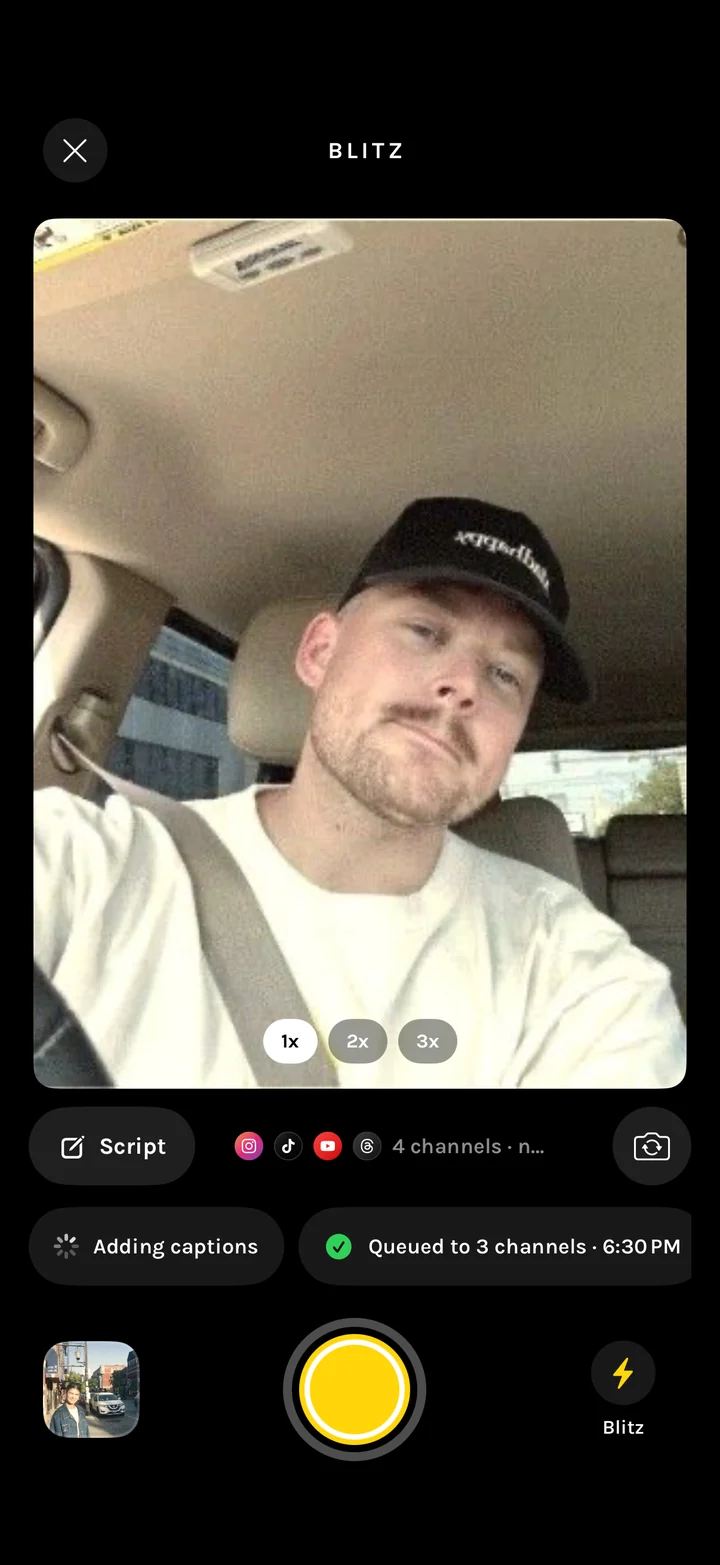
Film with the script over the lens, and Blitz cuts the take and posts it to X at its next open slot.
- Teleprompter over the lens
- Blitz posts the take
- Clean Up for talking heads
Built for X
What MORR does for X.
The same tools as every channel, pointed at X.
Plan
Your X posts on the grid and the calendar.
Publish
X gets its own time slot from the shared draft.
Create
Shoot with the script over the lens, cut the ums.
Measure
X results next to every other channel in Analytics.
Questions
Frequently asked.
Still unsure? Ask inside the app answers with your own account in front of it.
Can I schedule X posts with MORR?
Yes. X is one of nine channels in the composer.
Can I post to X and other channels at once?
Yes. One draft goes to every channel you choose.
Is it free?
Free to start, with every tool. Paid plans raise the monthly limits.