MORR Cam
Film it on your phone. Finish it there too.
Read the script down the lens, film into Blitz, then grade and cut without a laptop.
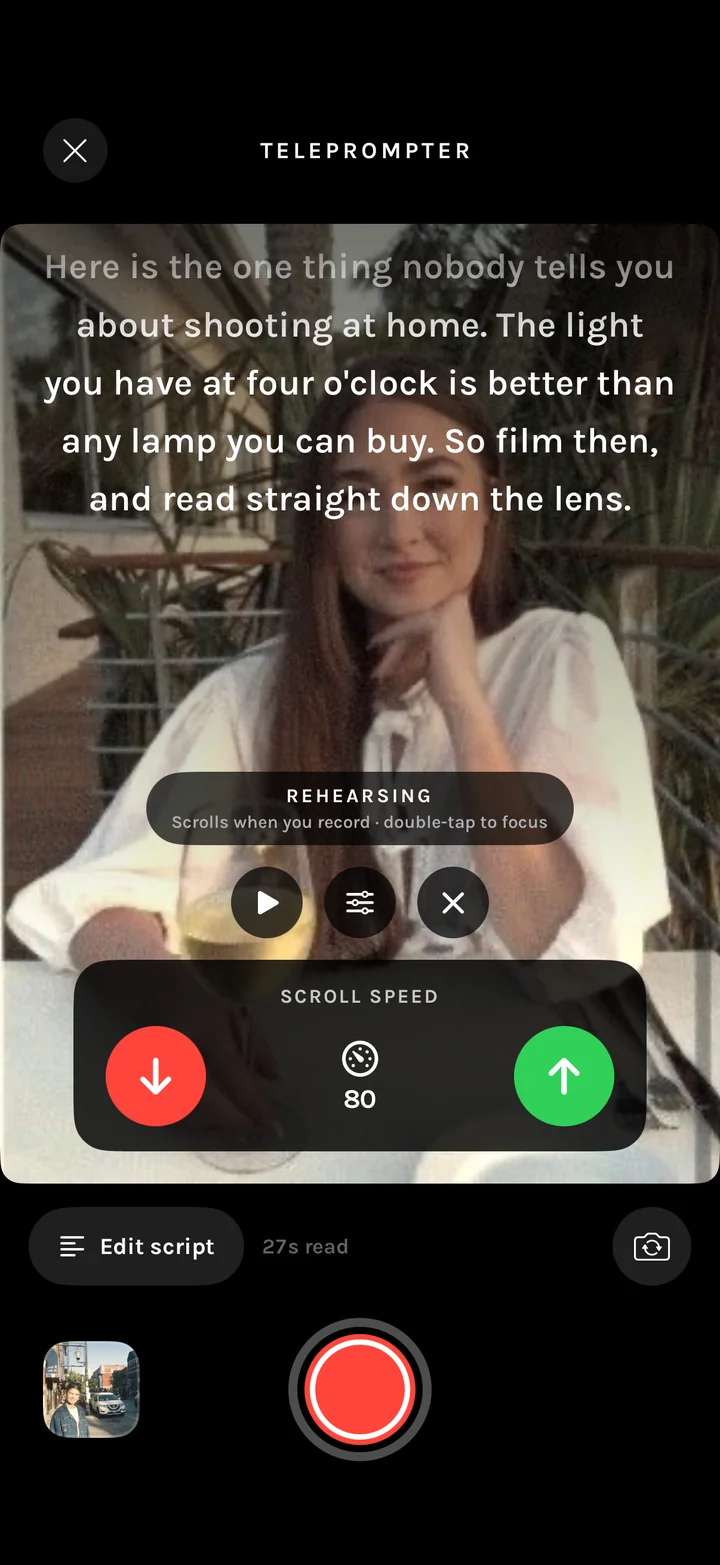
Teleprompter
Read it without looking like you are reading.
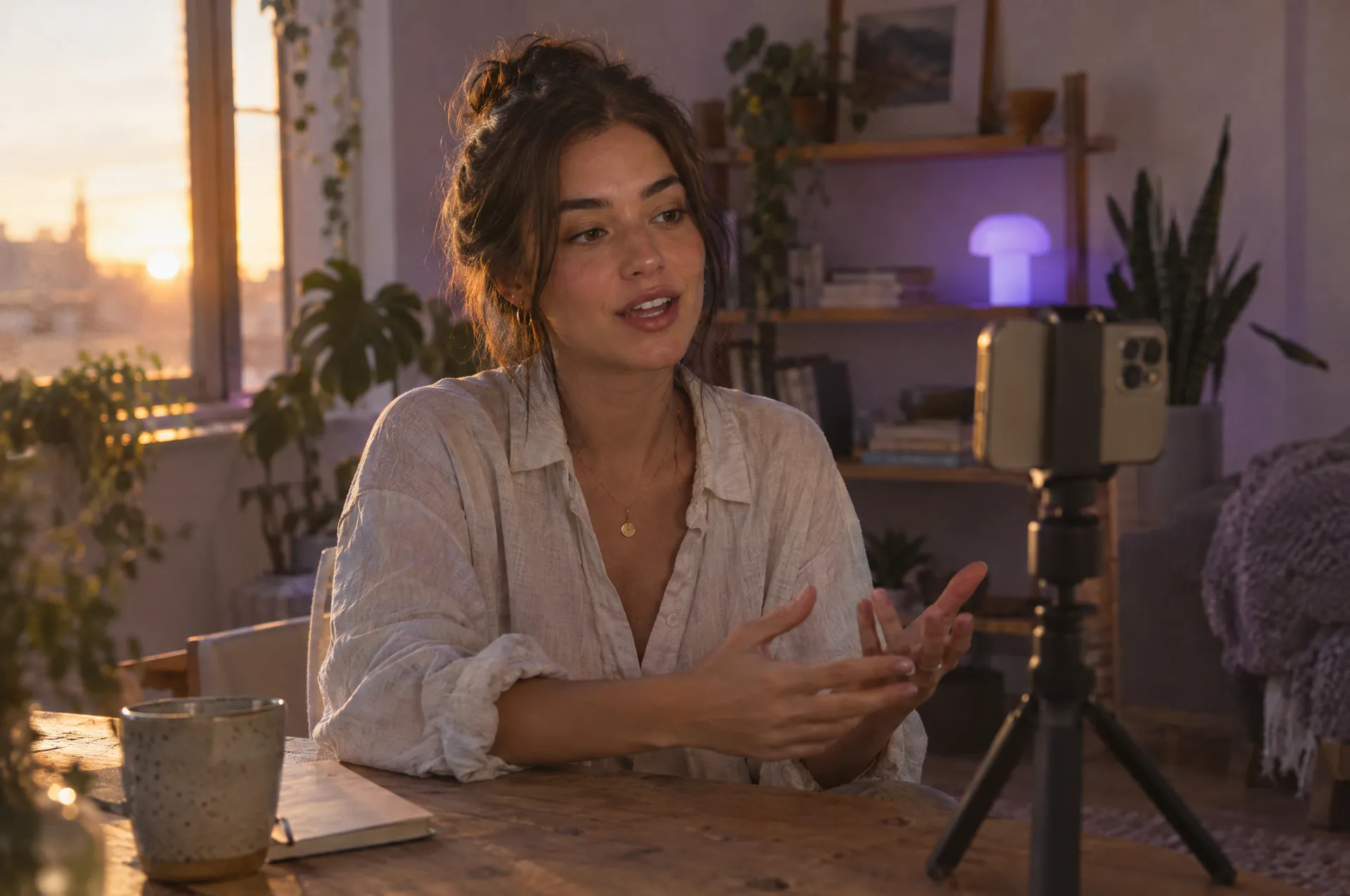
The script scrolls right over the lens, so your eyes stay on the camera. Rehearse first, then record.
- Scroll speed you set
- Paste, upload or write it with AI
- Voice-follow waits when you pause
In the editors
What you would open a laptop for.
Photo and video, both on the phone.
Timeline
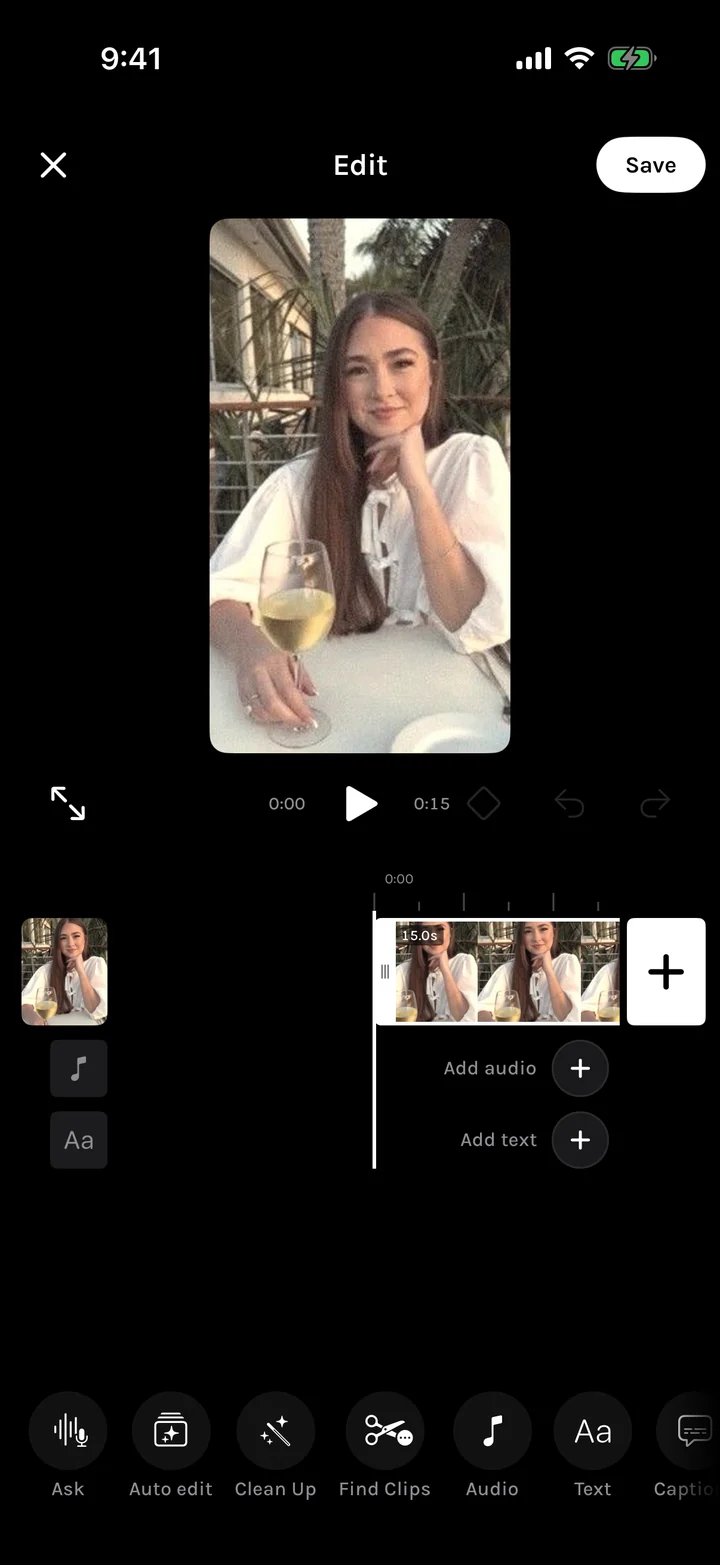
Clips, audio and text on one timeline, with Auto edit and captions.
Clean Up
One tap cuts the ums, uhs and long pauses. Everything else stays.
Looks
Five signature Looks, Gold 200 to Silver, each with a strength slider.
Enhance
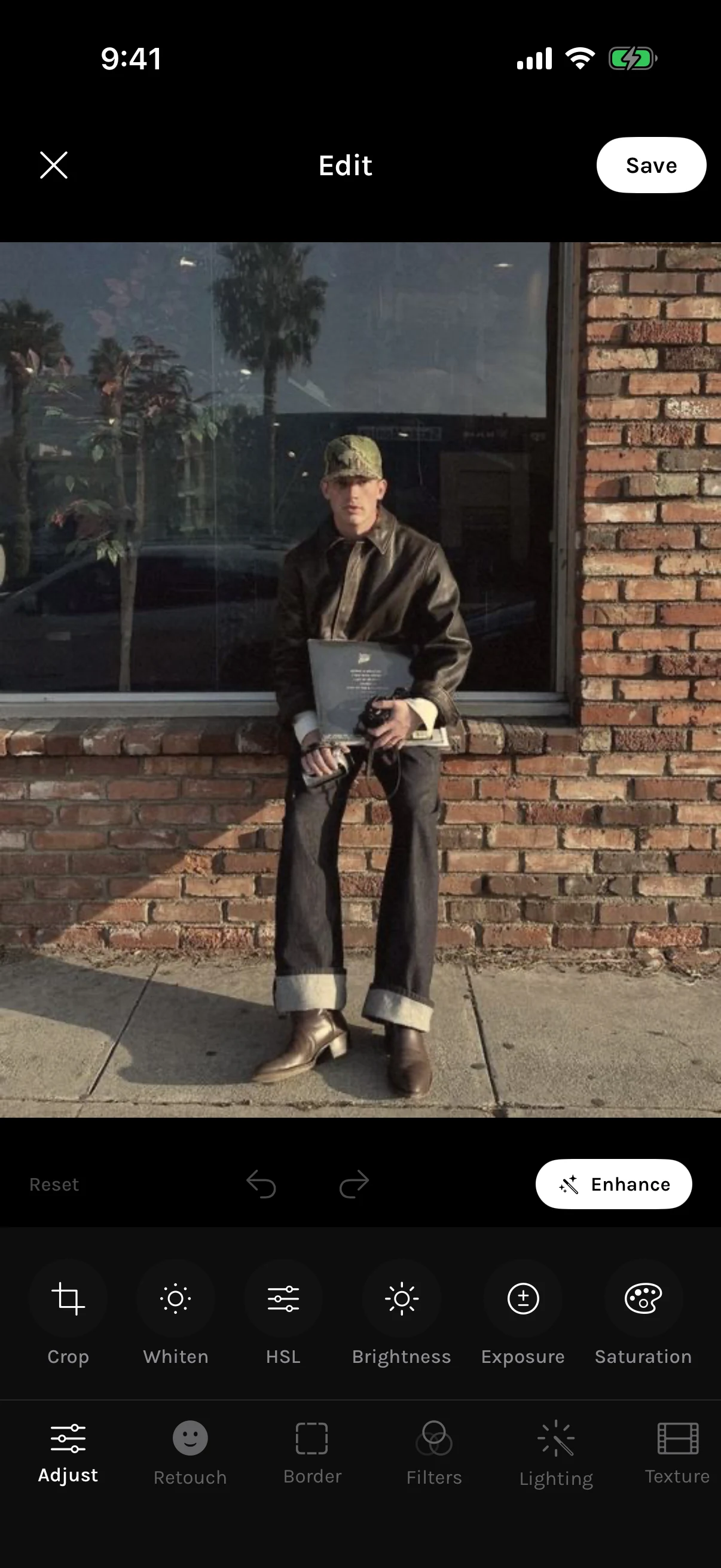
One tap, or Adjust, Retouch, Lighting and Texture by hand.
The difference
Shoot, edit and post in one app.
What used to take three apps and a laptop.
The usual way
- Shoot in one app, edit in another
- Reading notes off to the side of the lens
- Export, re-upload, re-caption
With MORR
- Shoot, edit and post in MORR
- The script scrolls over the lens
- Blitz posts the take for you
Blitz and the editor
From raw take to posted.
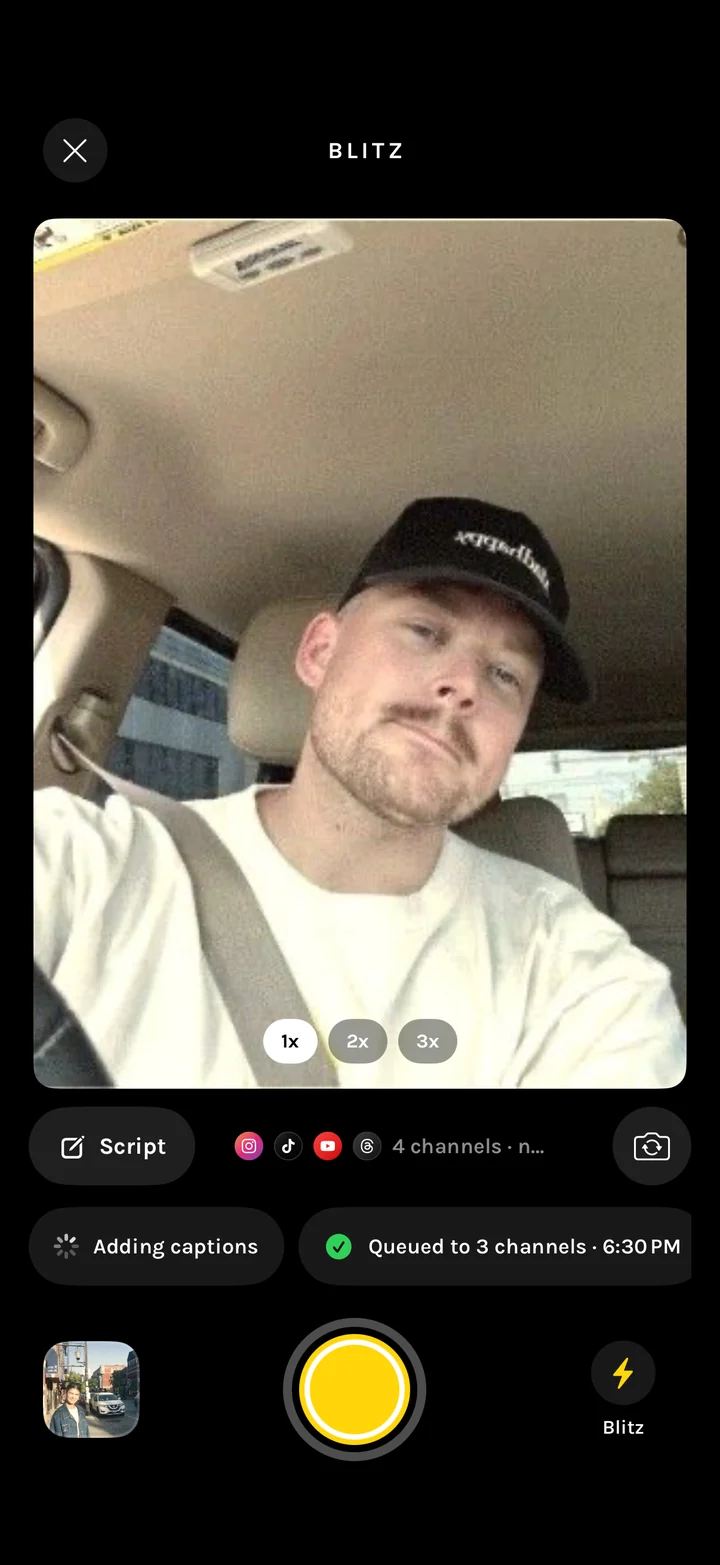
Film it once. Blitz cuts it, captions it and posts it, and the editor is there whenever you want your hands on it.
In MORR Cam
AI first cut
Retakes, filler and dead air cut from the transcript, right on the phone.
Auto captions
Six caption styles, with every word editable.
Timeline
Trim, split, delete and reorder, or tap a word to cut it.
Text and hook titles
Fonts, sizes and placement, plus a hook title written from what you said.
Speed per clip
Set the speed of any clip, or ramp it with a curve.
Your look, every take
A saved Look and a clean voice on everything Blitz cuts.
Checked before it posts
Dark shots, silent takes and wrong lengths held, with Post it anyway one tap away.
Posts itself
Every channel at its best time, with the caption written in your voice.
Export your way
Up to 4K at 24, 30 or 60 fps, saved to Photos.
Multi-take sessions
Pause between takes, add more footage, post one video.
Import into Blitz
Camera-roll footage through the same cut and captions.
Batch edits
A stack of videos cut and captioned at once, with a note when they are ready.
One-tap mute and audio overlap
Mute a clip in one tap and let sound carry across a cut.
Move every caption
Place all your captions at once, anywhere on the frame.
HDR all the way
10-bit HDR kept from the camera to the post.
Questions
Frequently asked.
Still unsure? Ask inside the app answers with your own account in front of it.
Which Looks come with MORR?
Five signature Looks, Gold 200, Sun Kissed, Air, Dusk and Silver, leading packs of film, warm, clean, moody and black and white looks.
What does Clean Up cut?
Ums, uhs and long pauses. Everything else you said stays.
Can I edit footage I shot elsewhere?
Yes. Bring it into the editor from your library, or send it straight through Blitz.
Is MORR Cam on Android?
MORR for iPhone comes first. The web workspace works on any computer.