MORR Cloud
From the first idea to the paid post.
Plan a feed, shoot it, publish to nine channels, and get paid, all in one account.
Publishing
One post.
Every channel.
Make it once and it goes out to Instagram, TikTok, YouTube, X, Threads, LinkedIn, Facebook, Pinterest and Bluesky.
How it moves
Research to posted, without a hand-off.
The same post moves through every stage. Nothing is exported, re-uploaded or chased between tools.
 01
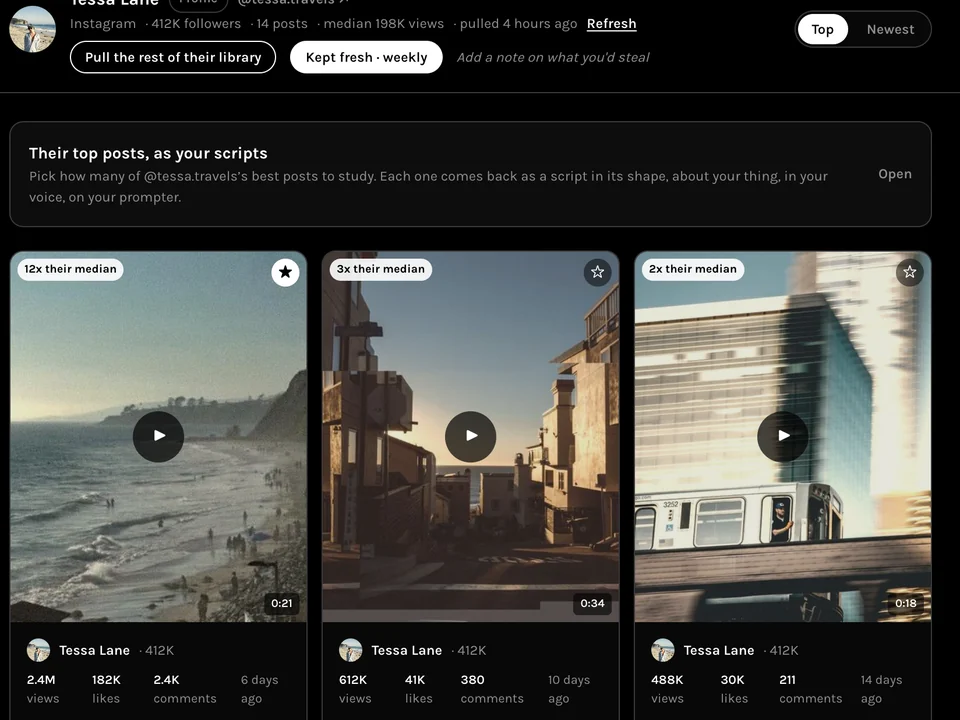
01Research
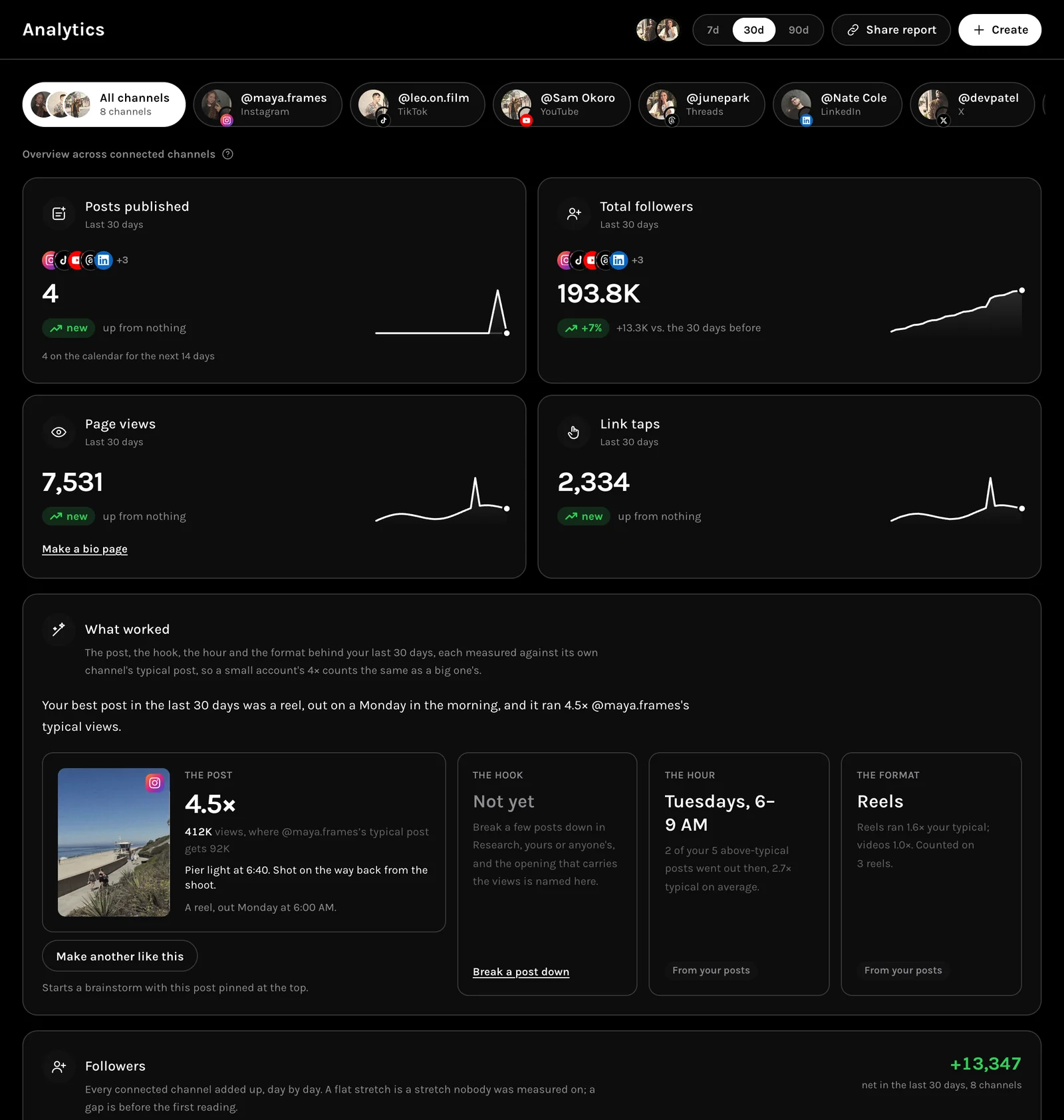
A creator’s best posts, each marked against their own median.
 02
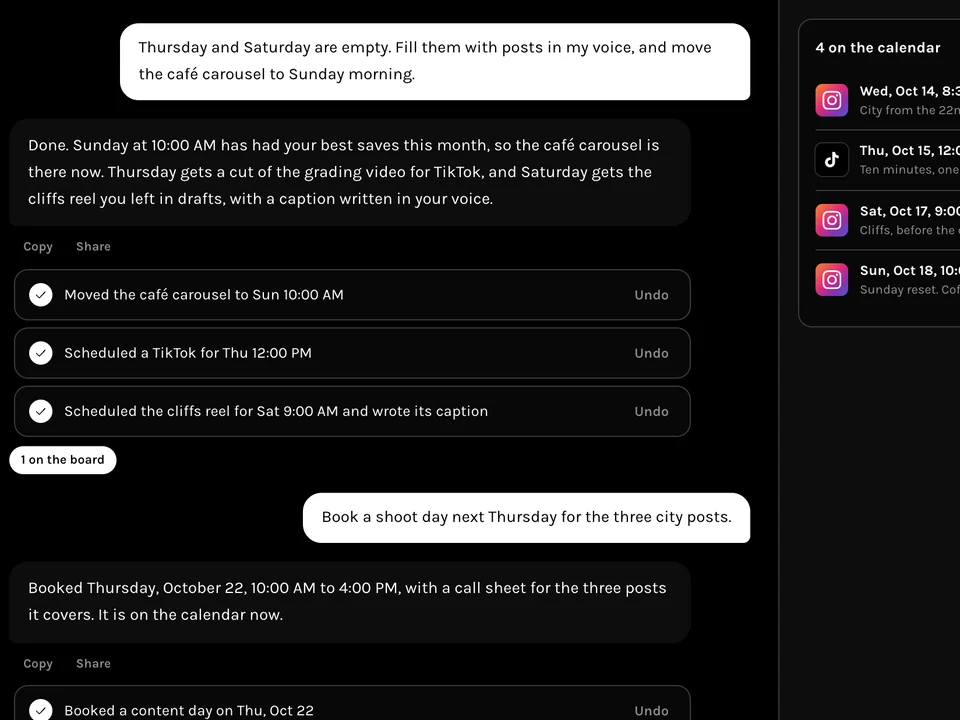
02Ask
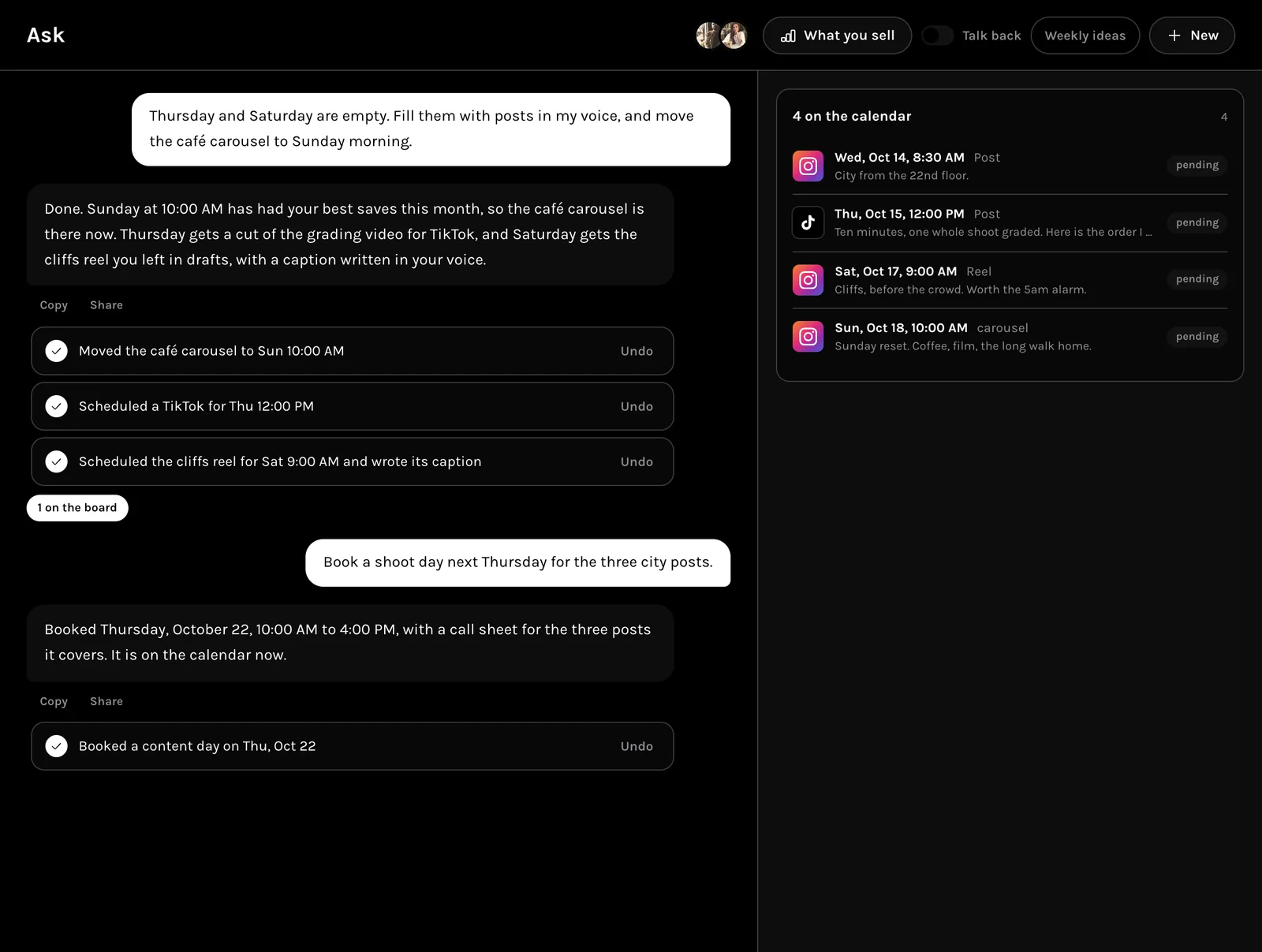
It puts the next pieces on your calendar, each change with Undo.
 03
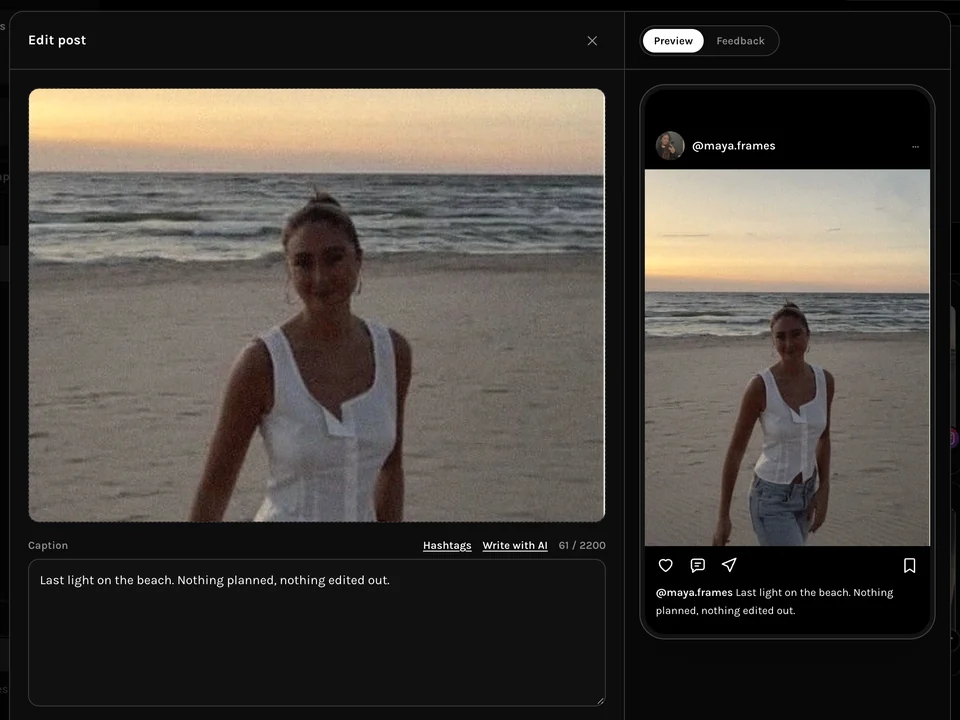
03Compose
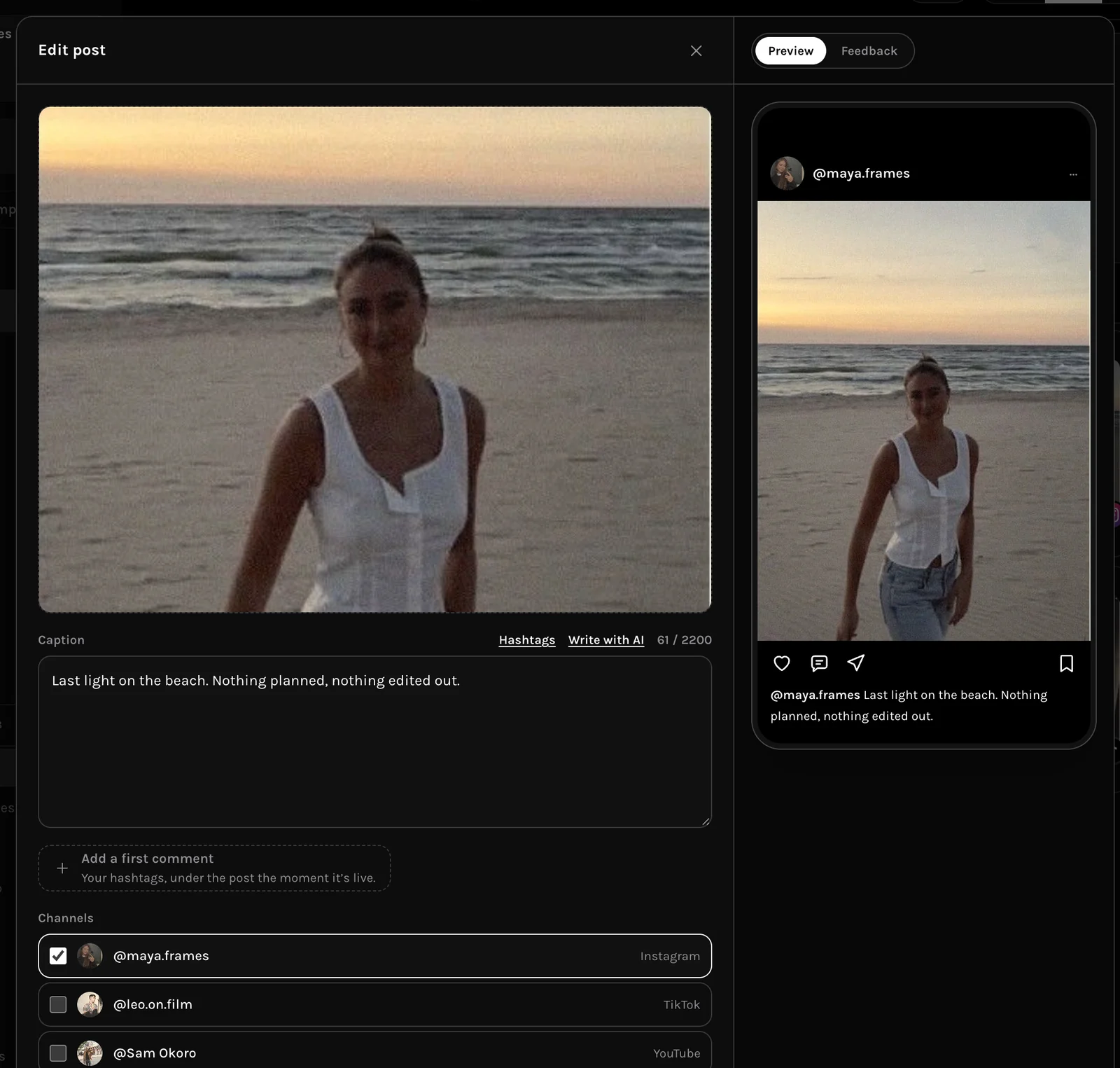
One draft, ticked to the channels it goes to, previewed for each.
 04
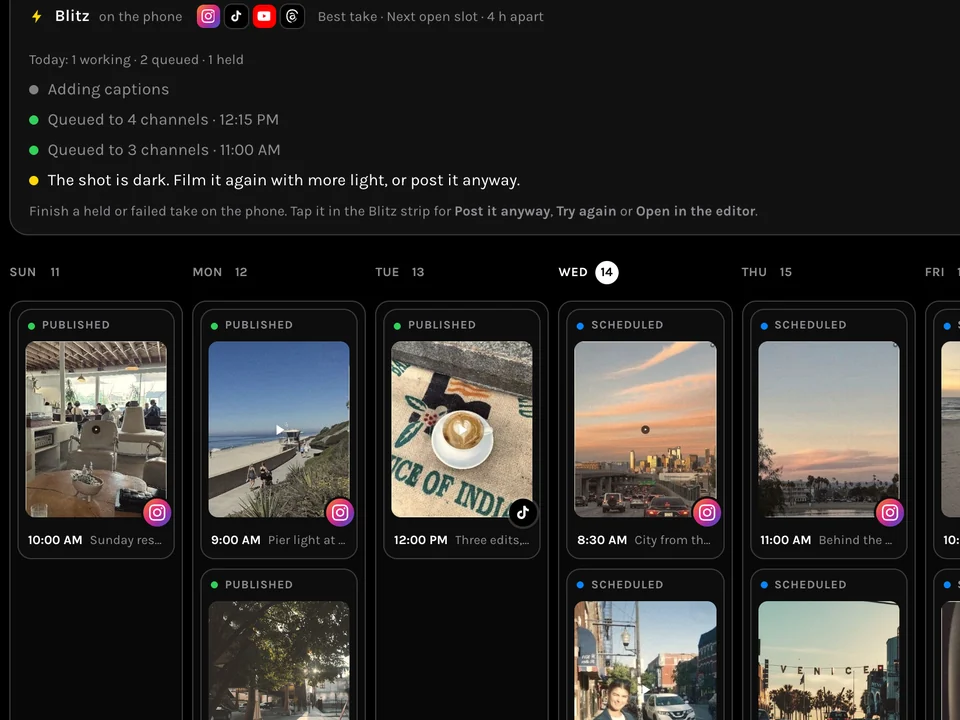
04Publish
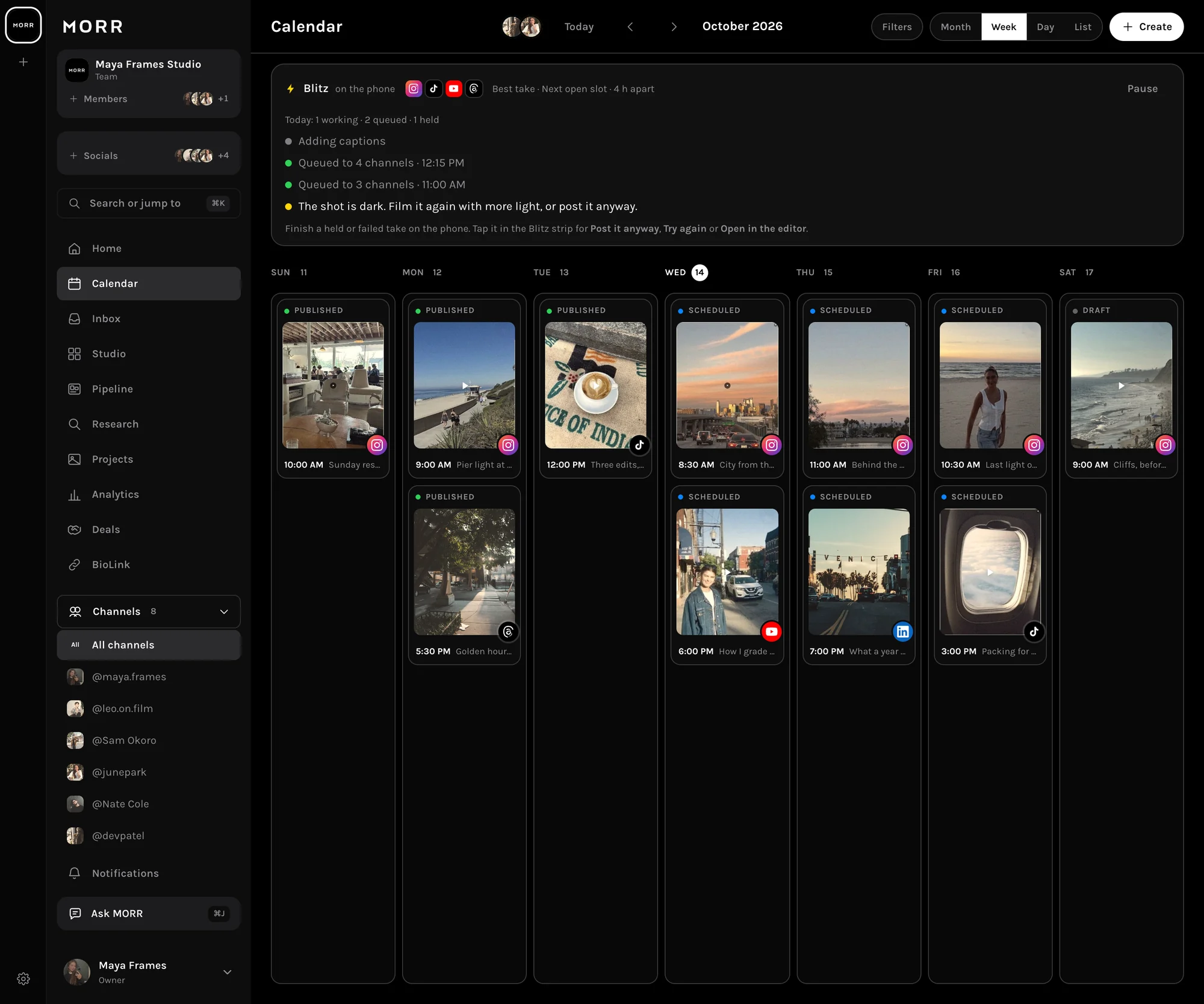
Every channel on one week, each post showing its state.
Everything in it
Twelve modules, one account.
Nothing here is an add-on. Every plan has every tool; paying raises the limits.
Planner
Studio’s grid and a calendar that are the same posts.
Publishing
One draft to nine channels from one composer.
MORR Cam
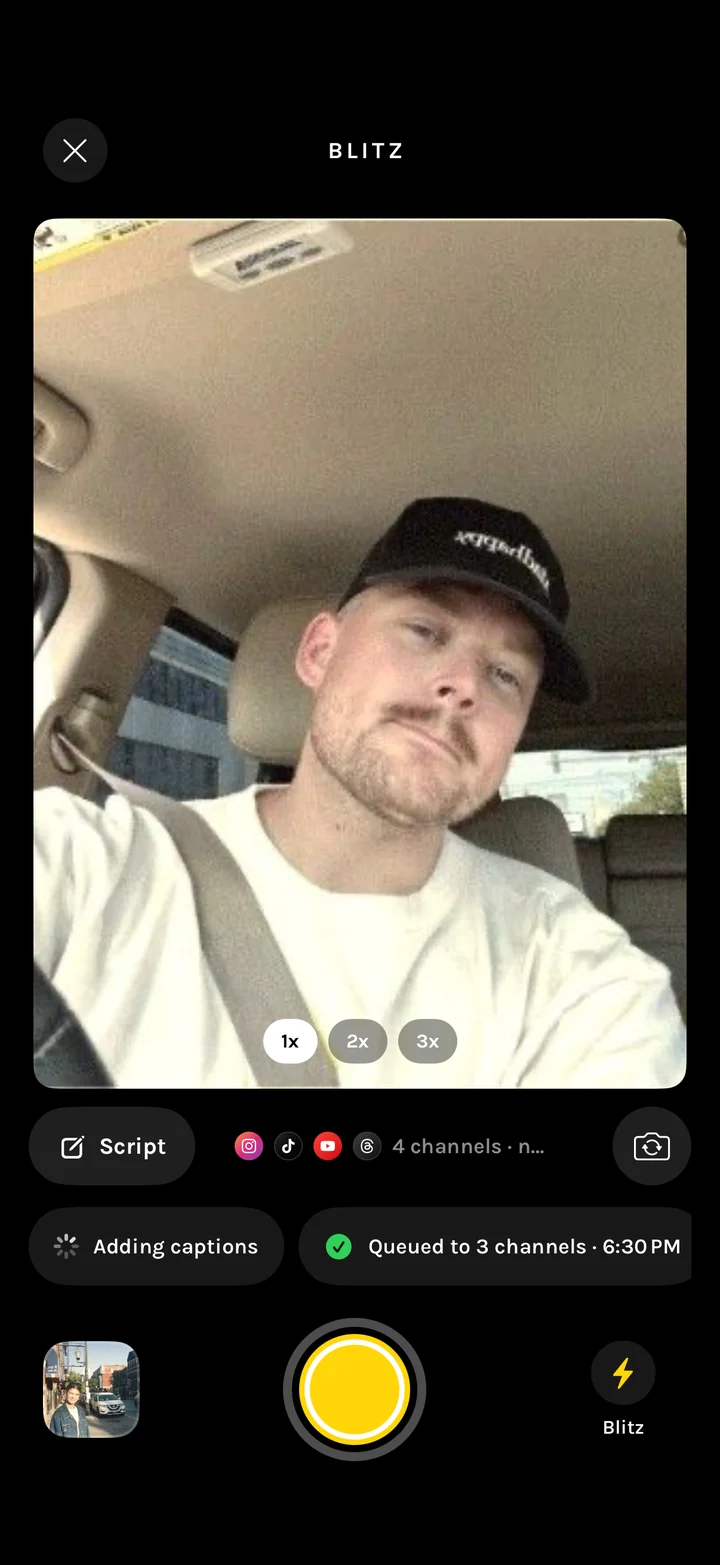
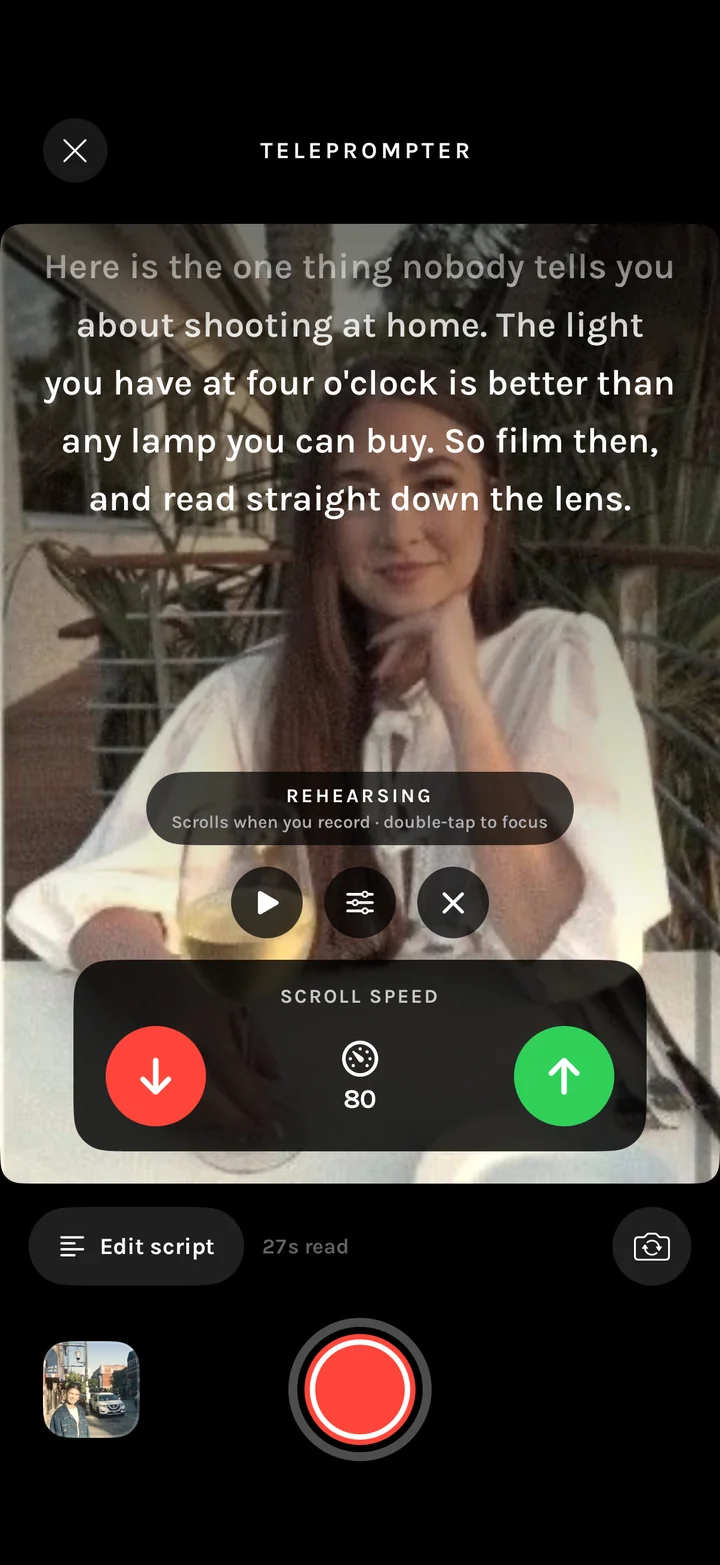
Teleprompter over the lens, and Blitz to post the take.
Editor
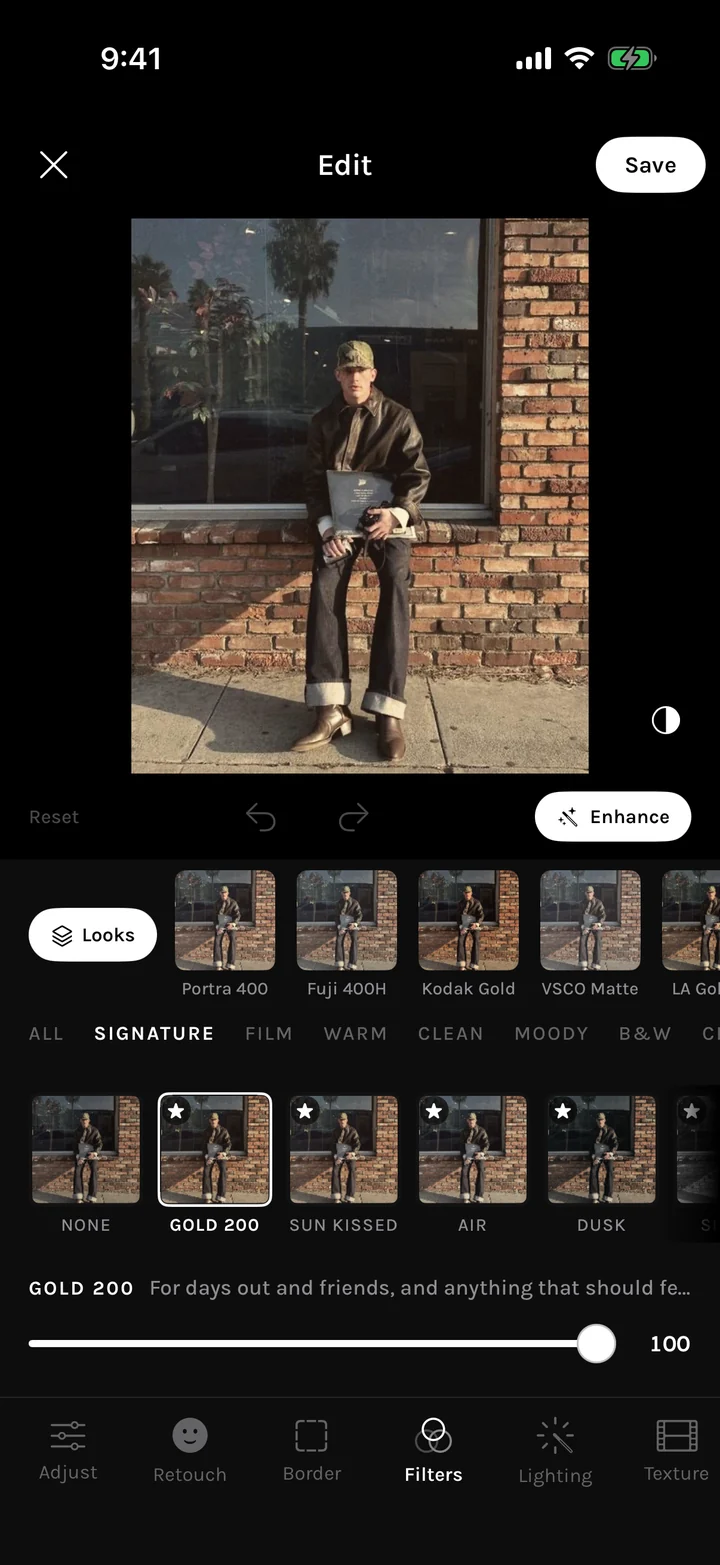
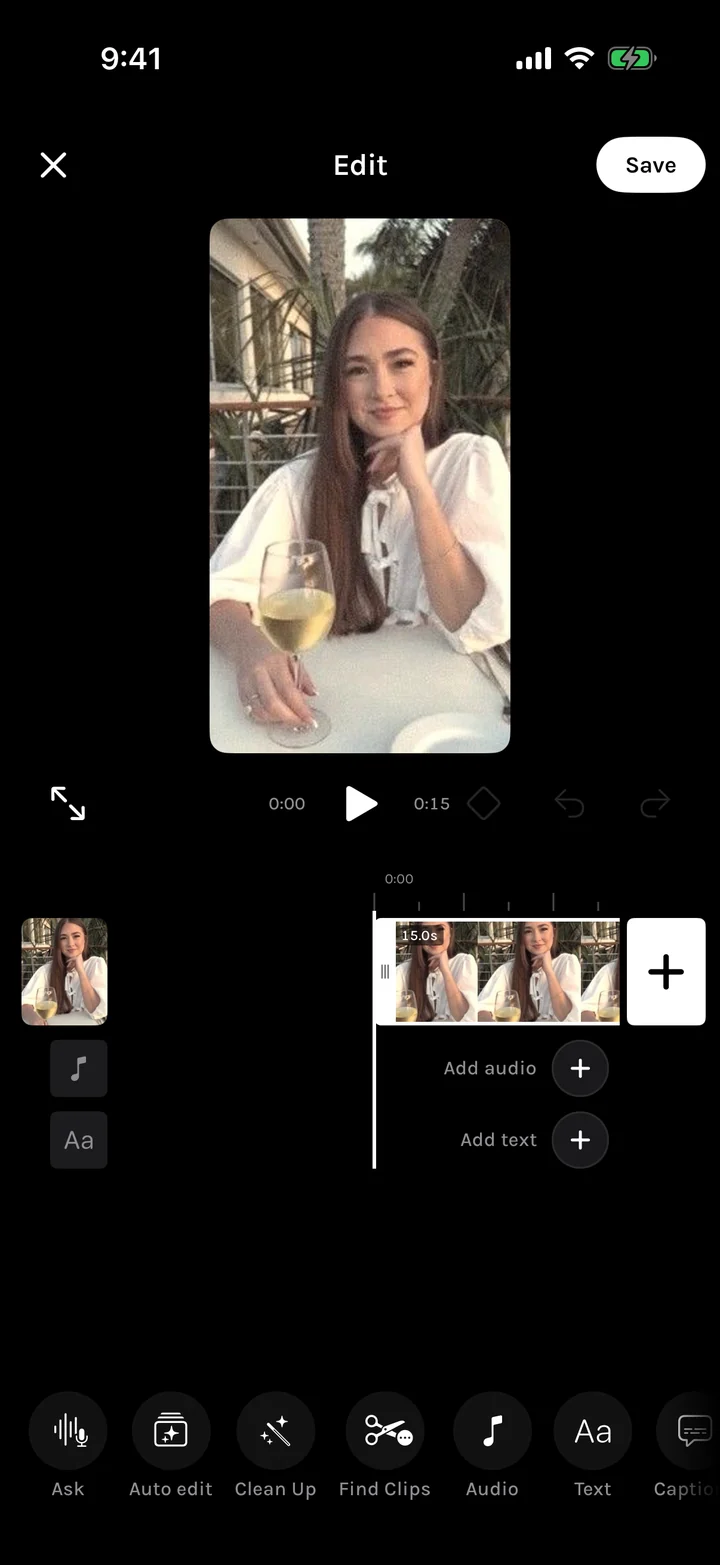
Photo and video editors, with Looks and Clean Up.
Captions
Captions and text layers on the video timeline.
Ask
An assistant that acts, and every change has Undo.
Research
Any creator’s library, ranked against their own median.
Analytics
Every channel against its own typical post.
BioLink
A link in bio with services, forms and views per block.
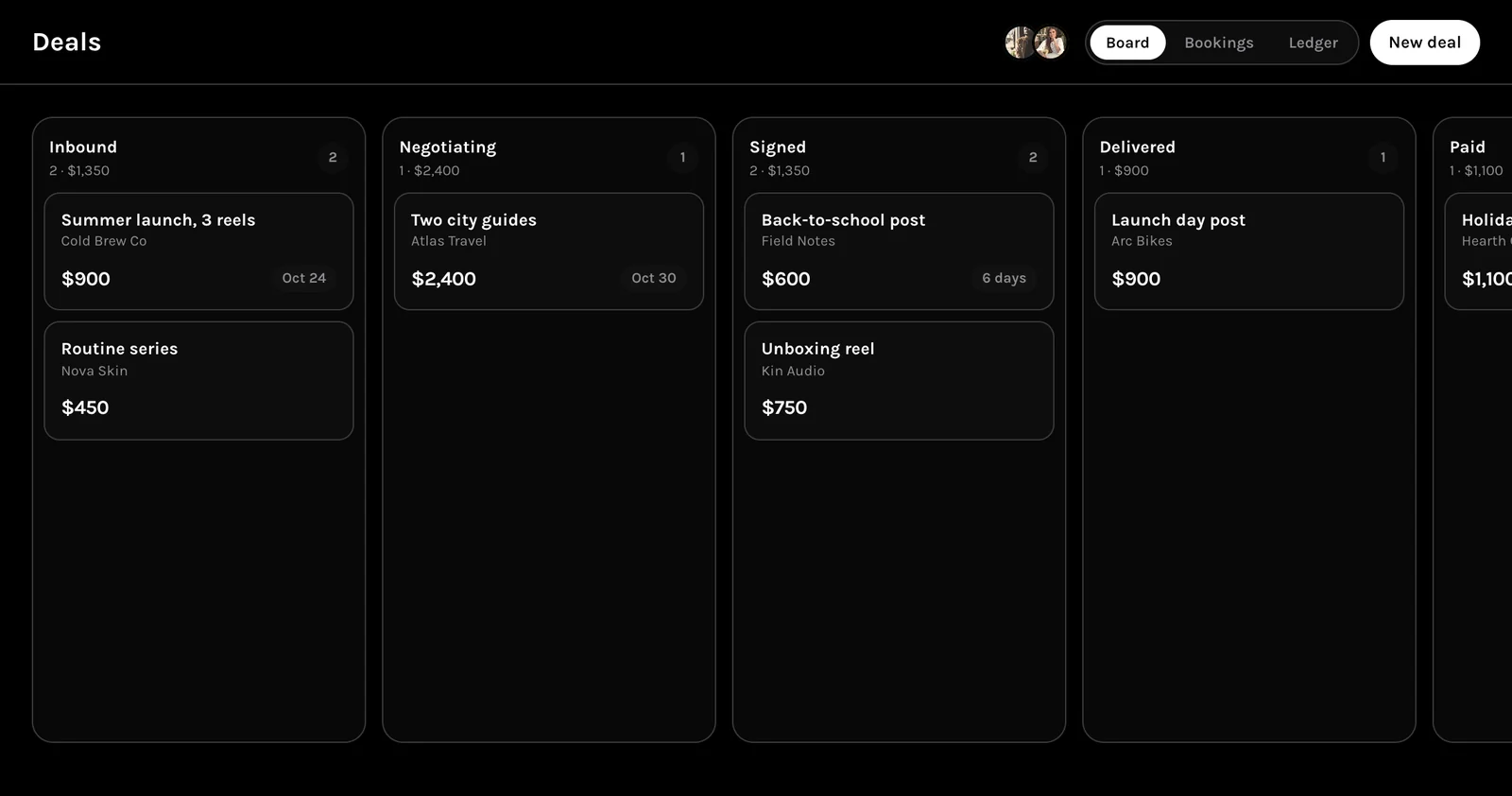
Deals
Brand work from inbound to paid on one board.
Workspaces
Creators, brands, agencies and talent managers.
MORR OS
The same system, operated for you by our team.
Plan and publish
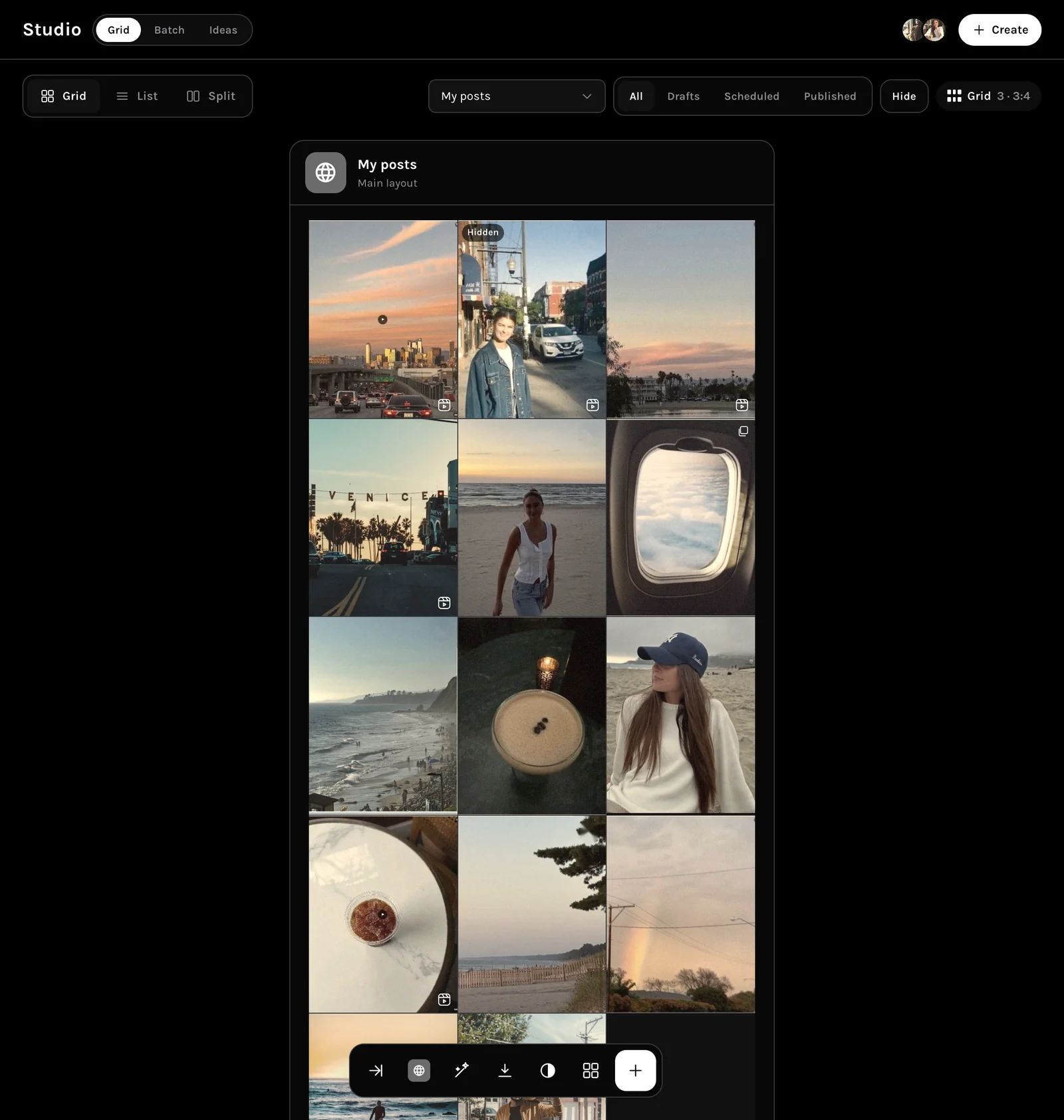
From the grid to nine channels.
Arrange the feed, set the week, and send one draft everywhere it needs to go.
Shoot and edit
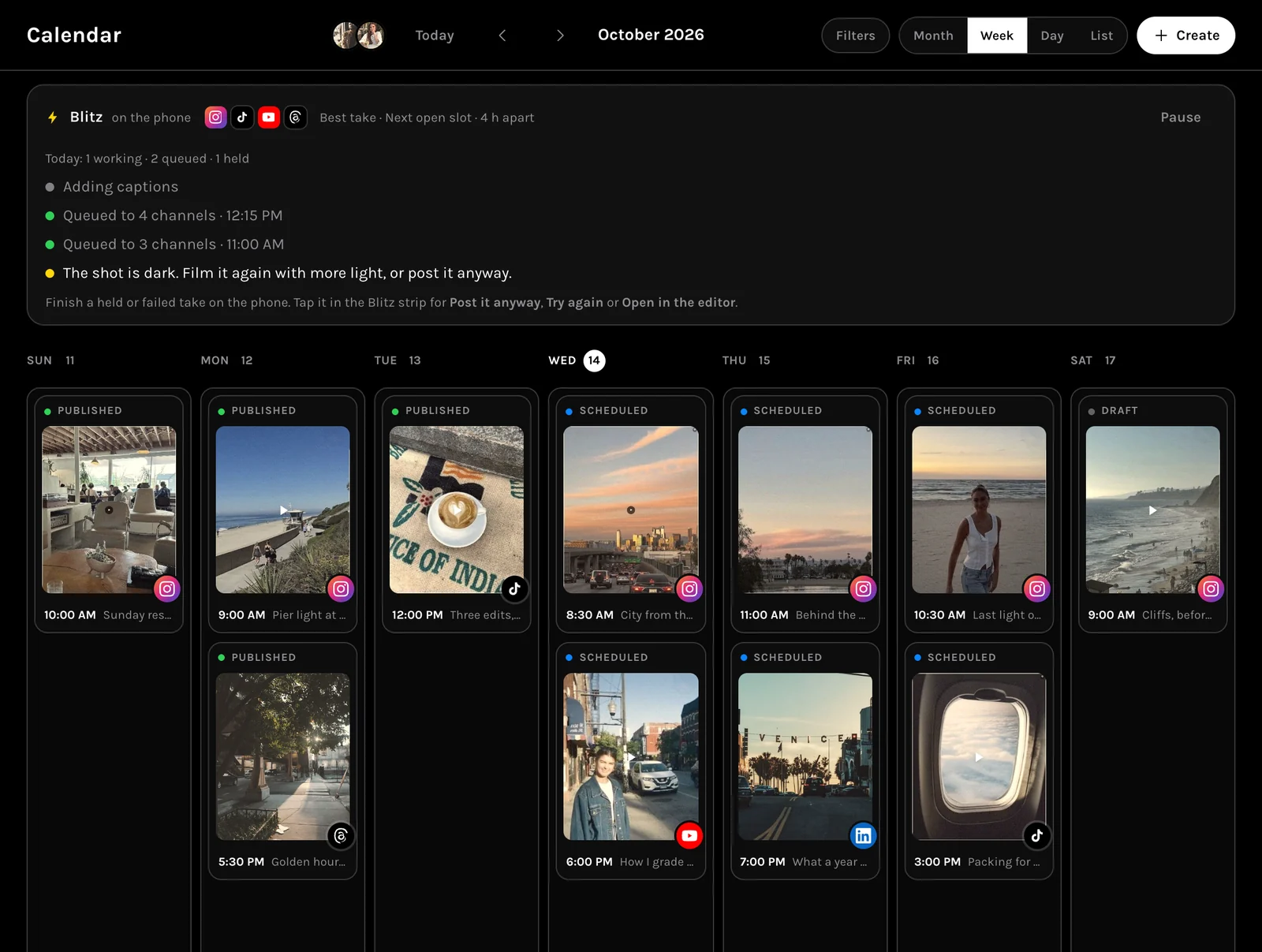
Finish it on the phone you shot it with.
Read the script over the lens, let Blitz post the take, and grade it in one tap.
Run the business
The money side, in the same account.
An assistant that acts, numbers that explain themselves, and brand work tracked to paid.
Instead of
One tab, not seven.
Pricing
Every plan has every tool.
Paying raises the limits, not the feature list. Start free and move up when you hit them.
Questions
Frequently asked.
If something here is still unclear, Ask inside the app will answer it with your own account in front of it.
Is there a mobile app?
Yes. The phone is part of Cloud: plan the grid, shoot with MORR Cam, edit, caption and post without opening a laptop. The web workspace at app.morr.group is the same account.
What does it actually do?
Plan a feed as a grid and schedule it to nine channels. Study any creator, pull their whole library, see what worked and break a post down. Search the ads running right now for any brand. Run shoot days with a call sheet.
What is Ask?
One assistant, on every screen and by voice. It schedules and moves posts, writes captions, books a shoot day, saves ideas, studies a creator, and reads and writes your playbook and your offer.
Which channels can I post to?
Instagram, TikTok, X, Facebook, LinkedIn, YouTube, Threads, Pinterest and Bluesky, from one composer.
Is there a brand marketplace?
Brands find creators and run programs from a Brand workspace, and creators apply to them in Jobs. It is not an open directory: a creator is only visible to brands after turning brand work on in Settings.
Can I manage a whole roster?
Yes. A Management company workspace gives agents and assistants a roster, a deals board, bookings, clients, files and finance, and each creator sees their side of it in Your team.
Do I need an audience to start?
No. Research is the place to start either way: study the people already winning in your space before you post anything.
Does it replace the MORR OS partnership?
No. The partnership is the system operated for you by our team. Cloud is the self-serve layer of the same system.