For brands
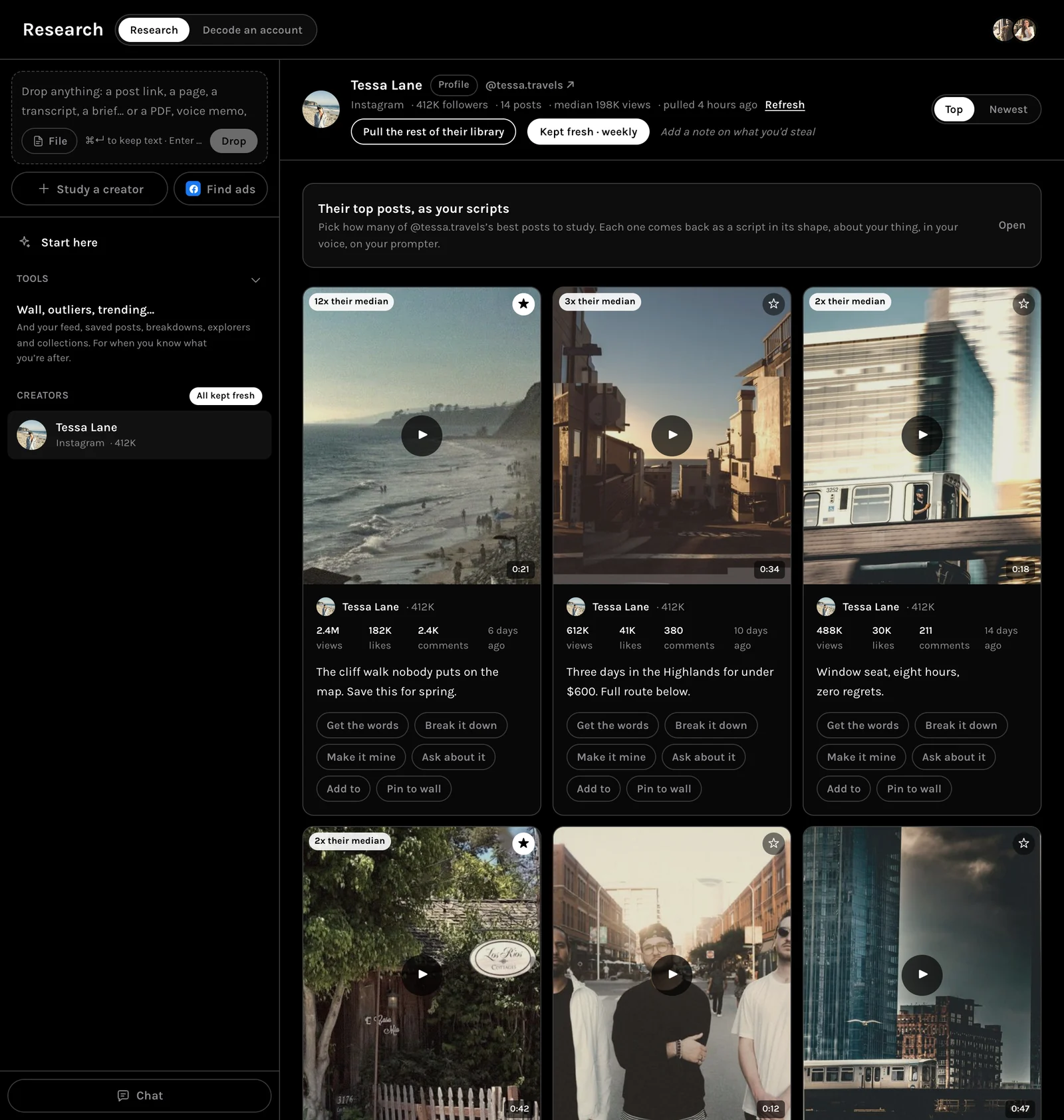
Search the people, not a directory.
Read a creator’s whole library, ranked against their own median, before you brief them. Then run the work from a Brand workspace.

The work
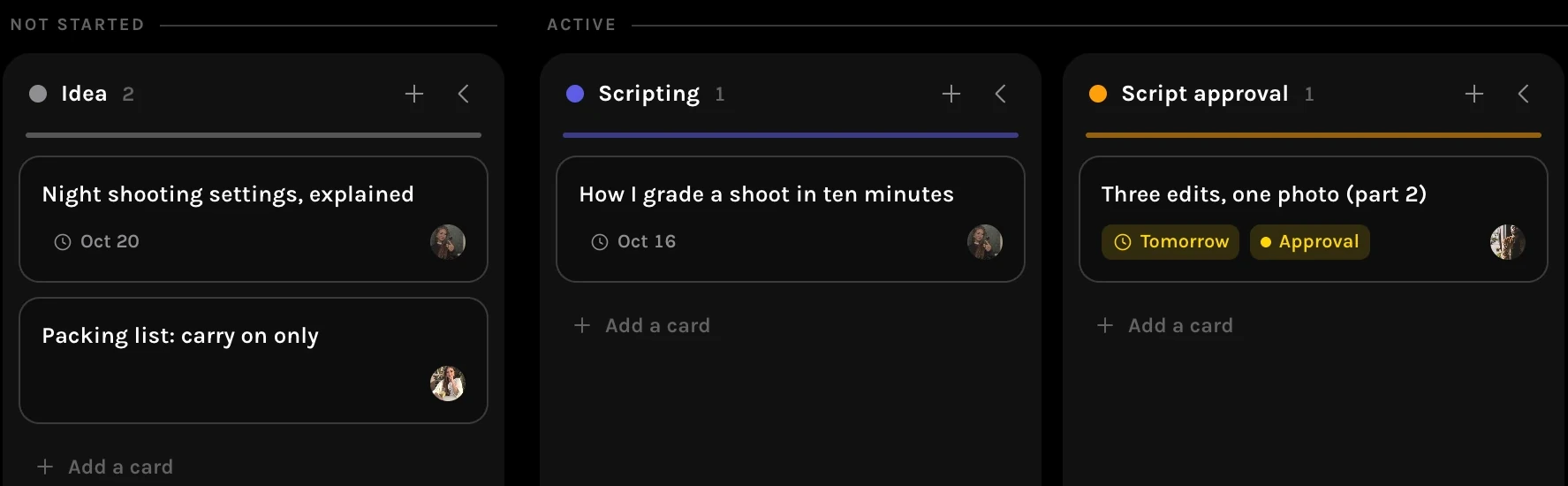
Brief it once, run it.
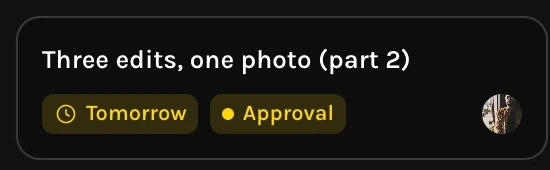
Script approval, filming, editing and review on one board, with a named approver.
- A card per deliverable
- Approval from a named person
- Due dates that flag when they slip
Track the posts
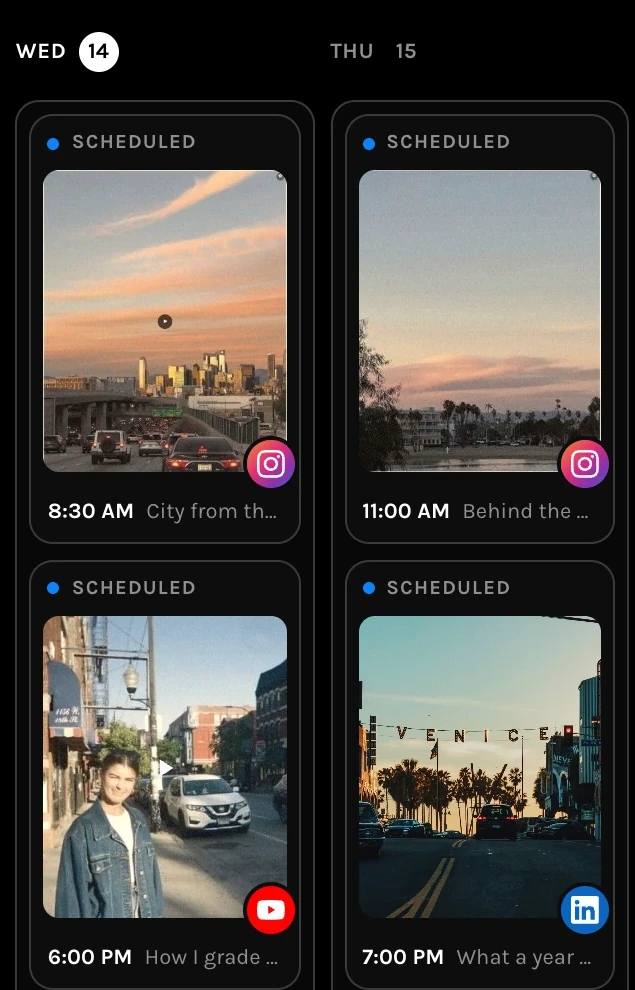
Every post lands on the calendar.
Each deliverable shows up on the month with its state, so nothing has to be chased.
- Published, scheduled and draft on the card
- Every channel together
- Filters by channel and state
The difference
Not an open marketplace.
Why the matches are better.
The usual way
- Cold outreach to whoever has a big number
- Spreadsheets of deliverables
- Chasing posts and sign-off
With MORR
- Only creators who turned brand work on
- Deliverables on a board
- Approval on the card itself
Questions
Frequently asked.
Still unsure? Ask inside the app answers with your own account in front of it.
How do creators become visible?
A creator only appears after turning brand work on in Settings.
Can a team share a Brand workspace?
Yes. Teams, roles and approvals match how the company signs off.